Start with a task, then follow the details. Browse the visual library, choose a topic or search for a problem. Every guide links to a useful next step and a tool where it helps.
Follow your curiosity
Find your next useful answer.
96 guides to explore
Windows printer drivers in 2026: what changed and what still works
Do not replace a working printer just because you read that Windows is ending legacy printer-driver servicing.
Read the guide →
Mopria printing and scanning: verify the exact function before buying
Check printing and scanning as separate functions in the certified-product information and the manufacturer’s current support material.
Read the guide →Epson EcoTank ET-2950: a sensible shortlist for regular mixed home printing
I would shortlist the ET-2950 for a household that prints colour documents regularly and wants automatic A4 duplex printing with refillable tanks.
Read the guide →
Canon SELPHY CP1500: a focused choice for small photo prints
I would choose a SELPHY CP1500 for convenient small photo prints when the supported formats and matched media packs suit the job.
Read the guide →A filled PDF prints blank fields: check the saved file and print layers
Save and reopen the filled PDF, then inspect the print preview and the viewer’s form/comment options.
Read the guide →
Measure label alignment at three points before changing the template
Measure matching reference points near the beginning, middle and end of one axis on a plain-paper proof.
Read the guide →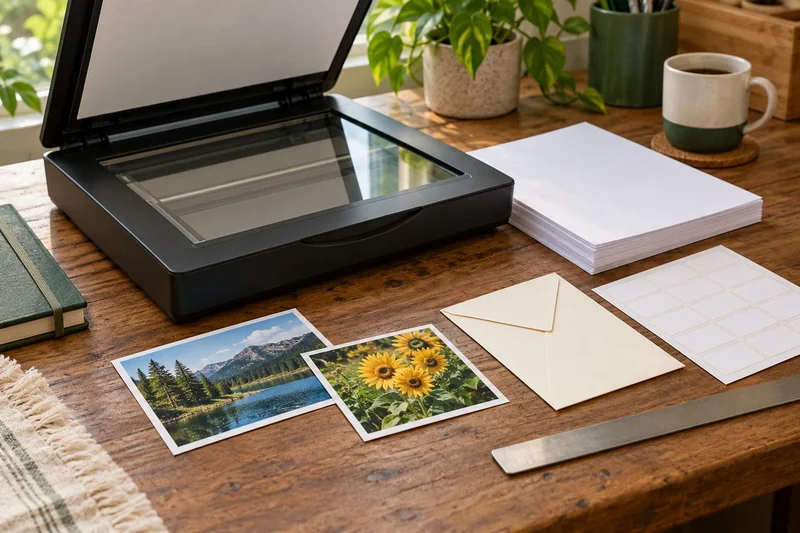
Before enabling Windows protected print mode, test the workflows you need
Windows protected print mode is a security-focused change to the print path.
Read the guide →Microsoft Lens is retired: choose a replacement scan workflow in 2026
Do not build a new scanning routine around Microsoft Lens in late 2026.
Read the guide →
Brother HL-L2445DW: my shortlist choice for straightforward black-text jobs
For a home office that mainly prints black text and already has a scanning solution, I would put the HL-L2445DW on the shortlist.
Read the guide →
Photo prints too dark? Check the display and viewing light before editing again
I would compare the print under sensible viewing light and check the display setup before brightening the image repeatedly.
Read the guide →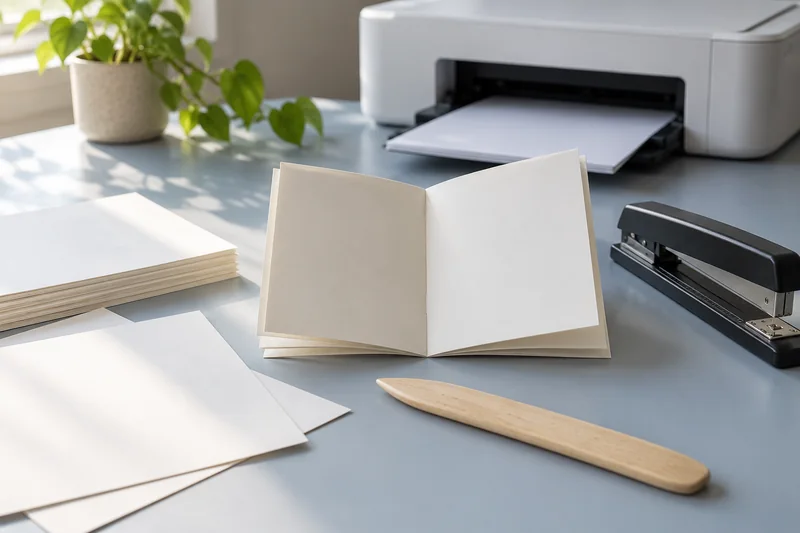
Print an Excel sheet one page wide without shrinking the whole report to a stamp
For a long table, I would usually fit the columns to one page wide while allowing several pages vertically.
Read the guide →A part-used label sheet is not an ordinary blank sheet
I would avoid feeding a part-used sheet back through the printer unless the exact label and printer instructions explicitly support it.
Read the guide →Buying a printer for a Windows ARM laptop: check more than “Windows 11”
For a Windows ARM laptop, I would favour a printer with a documented modern driverless print path and then verify every specialised task.
Read the guide →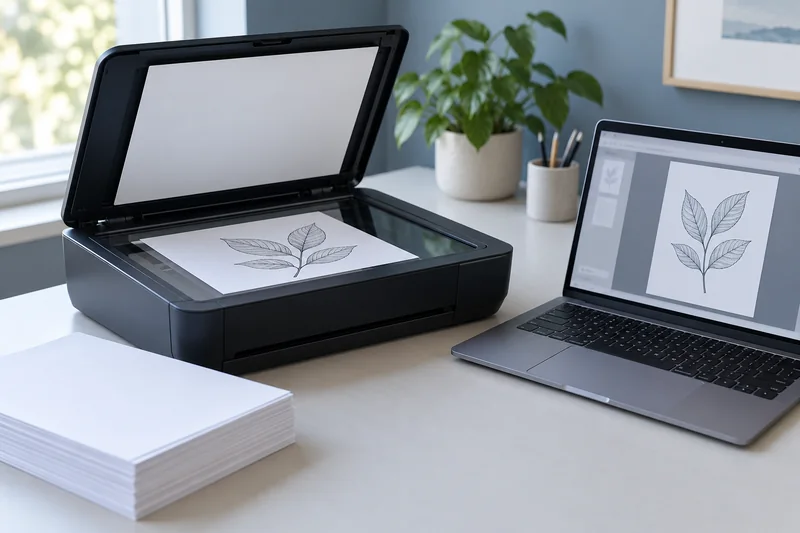
NAPS2 mixed-language OCR: select the languages, then check the result
For a local scanner workflow producing searchable PDFs in several languages, I would test NAPS2 with the relevant OCR language packs.
Read the guide →Cancel Instant Ink without losing the next printing job
Before cancelling, identify whether the installed supplies are subscription cartridges and obtain the correct ordinary retail replacements.
Read the guide →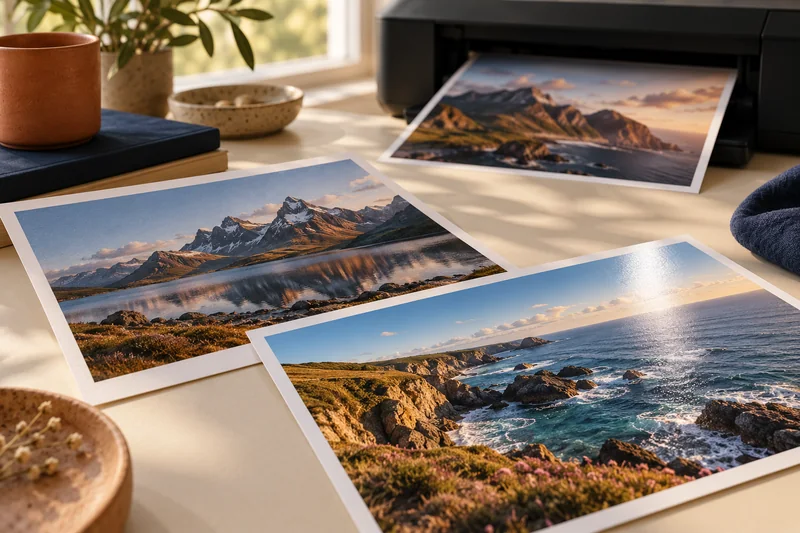
Home photo printing: paper, borderless sizes and color handling
Start with a photo-capable printer and a supported paper-and-size combination. Then check the crop and color settings before judging quality. A glossy surface, a…
Read the guide →Printable area vs paper size: diagnose cropped edges
Short answer: The sheet dimensions describe the paper; the printable area describes where the chosen printer and mode can put an image. Match document,…
Read the guide →Mail-merge labels: preserve leading zeroes before fixing the print layout
Import postal codes and identifiers as text when their leading zeroes are meaningful, then inspect merged records before printing.
Read the guide →A modern printer queue lost options: check the supported print app
When basic printing works but a device-specific option is missing, compare the queue, application and supported Print Support App before reinstalling…
Read the guide →A black rectangle is not a redaction: prepare a PDF for sharing
Use a real redaction function, apply the redactions and inspect the saved sharing copy.
Read the guide →HP+ before activation: decide whether the ongoing requirements suit you
If offline flexibility or third-party supply choice matters to you, I would examine HP+ requirements before selecting it during setup.
Read the guide →Calculate photo print size from pixels before resampling
Divide pixel dimensions by the intended print dimensions in inches to find effective PPI. Then assess the actual crop and a proof rather than…
Read the guide →Paper weight vs thickness: why GSM cannot prove printer compatibility
Short answer: GSM measures mass per area; thickness measures physical caliper. Check both when the printer specifies both, then verify paper type, size, feed…
Read the guide →White text on clear labels: why a home printer may leave it transparent
Most ordinary home colour printers do not lay down white ink or toner.
Read the guide →Maintenance box or internal waste-ink service? Read the error literally
Check whether the message names a user-replaceable maintenance box or internal service parts before ordering anything.
Read the guide →PDF/A validation does not prove a scan is complete or readable
Validate the claimed PDF/A format and separately inspect the scanned pages and OCR.
Read the guide →Compatible ink and firmware: compare the actual policy before buying supplies
For a printer with supply authentication, I would check the exact model, cartridge electronics and current firmware policy before buying a large…
Read the guide →Separate photo aspect-ratio crop from borderless expansion
First match the image ratio to the intended print shape. Then check the printer’s borderless behavior, which can enlarge the image further and remove…
Read the guide →US Letter, Legal and A4: dimensions and print setup
US Letter and A4 are different physical sizes. Match the document, print dialog and loaded stock deliberately, especially for forms and labels. A correct…
Read the guide →Proof a QR label at its final size and on the real surface
Keep the QR symbol’s clear margin, print it at the intended size and test the finished label on the actual object.
Read the guide →Leaving an inkjet unused: make a model-specific return plan
Follow the exact printer’s storage and shutdown instructions before a long absence.
Read the guide →Compress a scanned PDF without silently losing useful text
Keep the source, compress a copy and test both page readability and the searchable text layer afterwards.
Read the guide →A used laser printer can be cheap until the first maintenance bill
I would buy a used laser only after seeing representative output, the exact model’s support status and the condition of its consumables and service…
Read the guide →Avoid applying photo print color conversion twice
Choose which stage manages the photo-to-printer color conversion, then follow that application and driver workflow consistently. Keep paper and media settings matched to the…
Read the guide →Paper jams: safe owner checks and when to stop
Use the exact printer’s paper-jam procedure and its named access points. Cancel the job and follow the model’s power and cooling instructions before touching…
Read the guide →Print sheet labels without avoidable feed and alignment mistakes
Check both the printer and the label maker before loading adhesive sheets. Use the exact label product’s intended printing technology, its template and the…
Read the guide →Wi-Fi Direct or the home network? Choose the connection for the job
I would use the normal local network for a shared home printer and Wi-Fi Direct for a supported temporary direct connection when a router…
Read the guide →Scan thermal receipts while they are readable, then verify the key fields
Capture thermal receipts promptly and check the image and extracted fields before relying on the digital copy.
Read the guide →Repair or replace a printer? Compare the next useful year, not the sunk cost
Compare a written repair quote with the cost of a replacement that performs the same jobs.
Read the guide →Duplex printing: automatic, manual and binding-edge differences
Automatic duplex prints both sides without asking you to reload the sheet. Manual duplex requires a documented reinsertion step. Neither feature tells you whether…
Read the guide →Label alignment: distinguish a constant offset from scale drift
Compare the first and last label positions on a plain-paper proof. A consistent shift suggests an offset; a growing mismatch suggests scale or template…
Read the guide →Print a local file without adding an unnecessary cloud copy
Use a documented local USB or local-network print route when the file does not need a cloud service.
Read the guide →Scan a bound page without forcing the spine flat
If the binding will not open comfortably, choose a capture method that supports it rather than pressing harder on the scanner lid.
Read the guide →Starter toner vs replacement yield: compare printing costs fairly
Short answer: Record the included starter toner separately from each replacement cartridge. Use the exact supply code, regional printer package and stated yield method.…
Read the guide →Print envelopes: size, orientation and feed-path checks
Envelope printing needs more than a matching size in your document. Verify the envelope construction and weight, permitted feed path, orientation and printable area…
Read the guide →Read inkjet and laser labels on specialty paper before loading
Match the stock’s intended printing technology and construction with the exact printer’s media guidance. An app successfully sending the job cannot approve the physical…
Read the guide →Before selling a printer, check stored jobs, network settings and accounts
Use the exact model’s documented decommissioning or reset process and handle linked accounts separately.
Read the guide →ADF vs duplex ADF: separate printing from two-sided scanning
Short answer: An automatic document feeder does not automatically scan both sides. Automatic print duplex is a separate feature. Confirm two-sided scanning for the…
Read the guide →Ink and toner compatibility: supply codes, region and yield
Match the full printer model and country edition to the manufacturer’s supply list. A similar cartridge shape or a neighboring model name does not…
Read the guide →Can your printer print cardstock? Check more than GSM
Cardstock compatibility depends on the exact printer, stock and feed mode. A published plain-paper weight range does not automatically approve cardstock at the same…
Read the guide →PIN release is different from Windows protected print mode
Use a supported PIN-release feature when the problem is pages sitting unattended in a shared output tray.
Read the guide →Scan to a searchable PDF: capture, OCR and verification
A searchable PDF needs image capture plus text recognition. A scanner producing a PDF does not necessarily run OCR, and a document that looks…
Read the guide →Cost per page methodology: yields, color and ownership costs
Begin with the supplies price divided by the matching declared yield, then explain the scope. That quotient is a planning baseline, not a promise…
Read the guide →Choose long-edge or short-edge duplex with a two-page test
Use a numbered two-page test with a clear top arrow, then turn the sheet the way the finished document will be read. The correct…
Read the guide →Print queue stuck: recover one job at a time
Identify the first blocked job and the printer instance it belongs to. Confirm the printer itself is ready before resending the document. Repeatedly clicking…
Read the guide →ADF vs flatbed: choose the scanner workflow you need
Use a flatbed for originals that the manufacturer allows on the glass. Investigate an ADF when you repeatedly scan stacks of suitable loose sheets.…
Read the guide →Choose a home office printer by workflow
Choose a home office printer by the document flow it must complete: receive a file, print on the required media, scan originals if needed…
Read the guide →Check booklet page order before printing a full PDF
Make a small numbered proof, fold it as intended and read every page in sequence. Booklet imposition, duplex turning and page scaling are separate…
Read the guide →Streaks and banding: distinguish printing from scanning
Begin by determining whether the mark comes from printing, scanning or the source file. A line on every copied page can have a different…
Read the guide →USB printing works but scanning fails: check the separate workflow
Printing and scanning use different software paths. Confirm the scanner’s exact connection and supported application rather than treating a successful print as proof that…
Read the guide →The best printer type for occasional use
For occasional black-and-white documents, begin by investigating a monochrome laser. Its toner does not have the same nozzle-drying issue as liquid ink. If your…
Read the guide →Actual size or Fit? Choose PDF print scaling by the job
Use an unscaled mode when dimensions must be preserved, and Fit when keeping all content inside the printable area matters more than exact size.…
Read the guide →Printer prints blank pages: file, supply or output problem?
Check whether the document contains blank pages before assuming the printer has a supply fault. Then use a documented printer-generated check to separate the…
Read the guide →Choose scan resolution by the smallest detail you need
Start with the document’s purpose, then compare a small representative scan at two suitable settings. Higher sampling resolution increases pixels but does not guarantee…
Read the guide →Tank vs cartridge inkjet: when the extra upfront cost makes sense
A tank printer can be attractive when you print enough usable pages to benefit from its replacement ink economics. A cartridge model can be…
Read the guide →Set a custom paper size without confusing stock and artwork
Check the model’s custom-size range, feed source and media restrictions first. Then match the document, driver and loaded sheet dimensions instead of changing only…
Read the guide →Printer offline: isolate the connection before reinstalling
First separate the printer’s own readiness from the device’s connection to it. Check its display and, if the manual provides one, a printer-generated status…
Read the guide →Verify an OCR PDF before relying on search or copied text
Check the page images and the recognized text independently. Use names, numbers and punctuation from a representative page to expose errors that a successful…
Read the guide →Does grayscale printing mean only black ink is used?
A grayscale-looking page does not establish which supplies the printer used. Check the exact model and mode documentation, and keep appearance separate from consumables…
Read the guide →Check front-to-back alignment on duplex pages
Use visible reference marks on a two-sided plain-paper proof and compare their relationship after turning the sheet. Preserve a safe margin rather than assuming…
Read the guide →Inkjet maintenance without unnecessary cleaning cycles
Use the printer’s documented checks to identify a problem before running cleaning routines. A nozzle check, paper-path check and head alignment answer different questions.…
Read the guide →Check page order and both sides in a multi-page scan
Use a numbered, non-sensitive proof stack to verify the feeder’s order, side handling and final file. A scan preview is an intermediate step; reopen…
Read the guide →Why declared page yield does not predict every document
Retain the declared yield’s test conditions and supply type. Real document mix, setup and operating conditions can change the number of useful pages produced.
Read the guide →Store printer paper so the next feed test remains meaningful
Keep stock supported in its packaging under the supplier’s storage conditions, and load only media that meets the printer’s condition requirements. Damaged or curled…
Read the guide →macOS printer compatibility: AirPrint, drivers and scanning
Check the manufacturer’s support for your macOS version and the exact printer. AirPrint may provide the required print route; a manufacturer application or driver…
Read the guide →A line appears only in feeder scans: compare the acquisition paths
Compare the same permitted original through the flatbed and feeder where supported. A defect confined to one path narrows the investigation, but follow the…
Read the guide →Separate toner, drum and maintenance-part costs
List each separately replaceable item for the exact printer. A low toner price does not include a drum, maintenance box or other part unless…
Read the guide →Choose paper for duplex readability without relying on GSM alone
Check supported media first, then assess opacity and show-through with your actual two-sided content. Paper weight alone cannot establish readable duplex output.
Read the guide →Windows printer compatibility: OS version, ARM and feature checks
Record your Windows version and processor architecture, then use the official installation route for the exact printer. Successful basic printing is not proof that…
Read the guide →Compare copy, scan and print to locate an all-in-one fault
Treat copying, scanning and computer printing as separate paths. Compare a saved digital scan, a device copy and a simple print before changing supplies…
Read the guide →Include rejected pages in the cost of a print job
Divide the job’s included costs by useful retained output. Rejected sheets and reprints consume supplies even though they do not become deliverables.
Read the guide →Proof an envelope address without wasting envelopes
Check the exact envelope size and model’s loading instructions, then use an appropriate plain-paper layout proof before one supported envelope test.
Read the guide →Android printing: Default Print Service, Mopria and manufacturer apps
Start with the Android device’s available print service and confirm that the printer is supported by that route. If your task needs controls it…
Read the guide →Compare home printing with a copy shop using the same job
Compare the full cost of equivalent useful output over a stated period. Include purchase and time assumptions explicitly instead of comparing a supply-only estimate…
Read the guide →AirPrint compatibility: verify the model and the task
Verify AirPrint using Apple’s current listing or the printer manufacturer’s documentation for the exact model. A Wi-Fi logo is not proof of AirPrint. Once…
Read the guide →USB printer setup: ports, cables and the right printer instance
USB is a useful route for one computer when the exact printer and operating system support it. Confirm the printer’s device port and cable…
Read the guide →Ethernet printing for a home office: what to verify
Ethernet can provide a convenient wired network route when the printer supports it and you have an available router or switch port. It does…
Read the guide →Wi-Fi printer setup: network, band and discovery checks
Connect the printer to a network it officially supports, then add it from a device allowed to reach that network. Wi-Fi capability alone does…
Read the guide →Inkjet vs laser: choose by the pages you print
Start with your hardest recurring task. A monochrome laser is a sensible first candidate for text documents and long gaps between jobs. An inkjet…
Read the guide →Use a printer’s internal page to separate device and computer faults
Compare an internal printer page with a simple computer print. The two checks travel through different parts of the workflow and can narrow where…
Read the guide →Why a printer on guest Wi-Fi may be invisible to your device
Check whether the device and printer can communicate on the intended local network. Sharing an internet connection or a similar Wi-Fi name does not…
Read the guide →Distinguish printer address changes from discovery problems
Compare the device’s current network information with the queue’s destination. A queue pointing at an old address and a discovery failure are different observations.
Read the guide →Identify duplicate printer queues before deleting or reinstalling
Compare destination, driver and available features for each queue. Similar names may represent different connection routes or capabilities rather than harmless duplicates.
Read the guide →A PDF prints missing text: compare file, preview and output
Check whether the text is present in the file and print preview, then compare one controlled output from a supported application. Keep the original…
Read the guide →Find the source of extra blank pages before changing the printer
Compare the document page count, preview and requested range with the physical output. A trailing blank page can be part of the document or…
Read the guide →Keep a reusable print-job record for settings that worked
Record the document, stock, queue, application and settings with a successful proof. A named preset alone may omit the conditions that made the job…
Read the guide →No matching guide. Try fewer words or choose another topic.
Turn an answer into your own plan
Open the Print-job workbook to keep your configuration and observations together. Individual practical guides include their own source links, decision diagrams and downloadable worksheets. The filters work locally in your browser; the full list remains available without JavaScript.