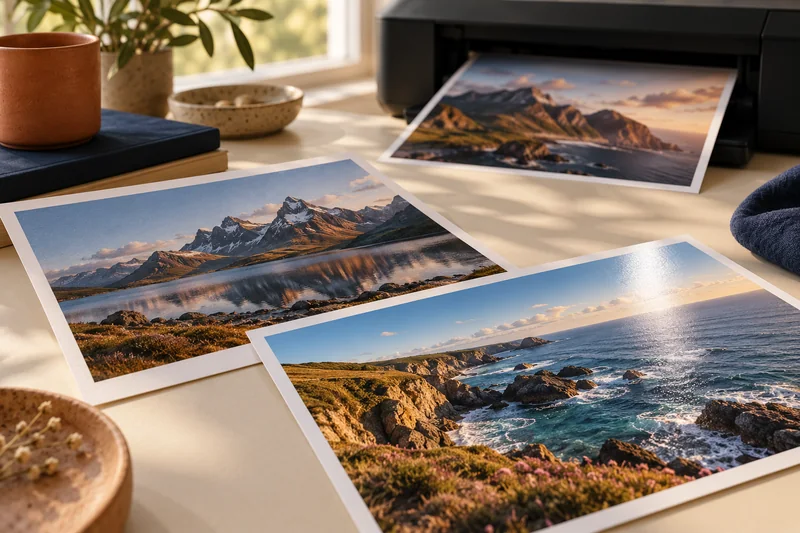
Answer: Choose which stage manages the photo-to-printer color conversion, then follow that application and driver workflow consistently. Keep paper and media settings matched to the intended profile.
On this page
Print Use Lab editorial project · Updated October 21, 2026 · Original decision framework and illustrative example. No physical product measurement or hands-on benchmark is claimed.
Why the distinction matters
Color problems can begin in the file, application, profile, driver or display. A maintenance cycle cannot resolve a double conversion introduced in software. Write down whether the application or printer manages color and retain the exact profile name where used. A profile for another paper, printer or ink configuration is not an interchangeable quality upgrade. Use the printer and application’s documentation for the matching workflow.
A practical sequence
- Preserve the original image and identify its embedded color profile where available.
- Select the supported paper product and corresponding driver media setting.
- Follow one documented color-management route and record its profile and intent.
- Print a representative proof and compare it under consistent lighting before changing settings.
Decision record
| Check | What it means | What to verify |
|---|---|---|
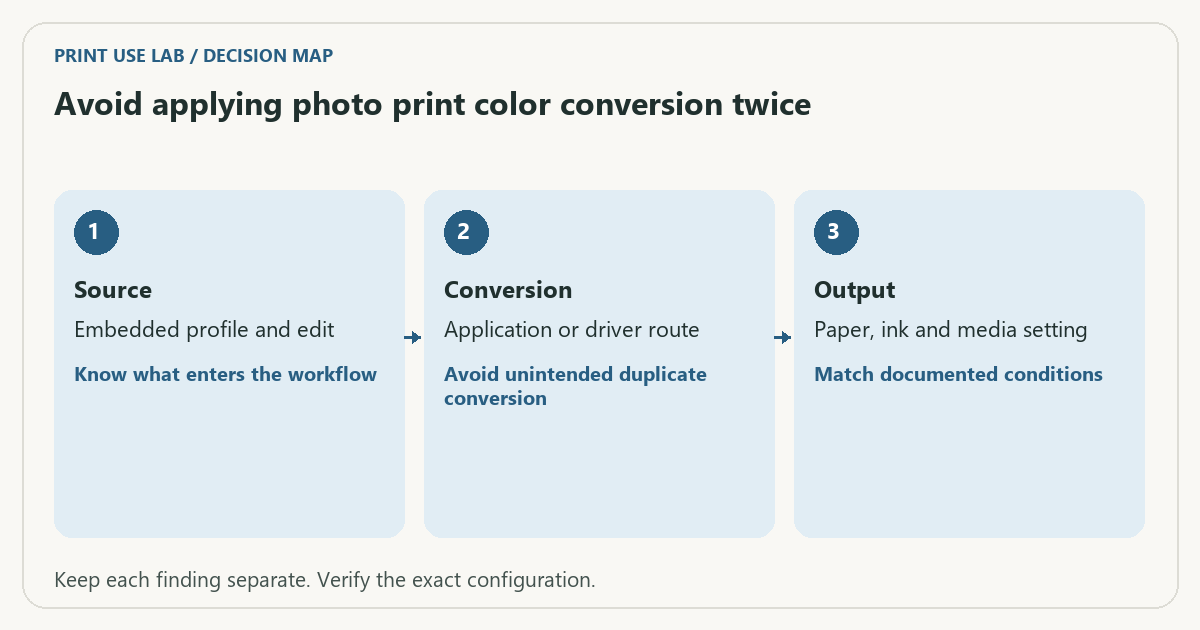
| Source | Embedded profile and edit | Know what enters the workflow |
| Conversion | Application or driver route | Avoid unintended duplicate conversion |
| Output | Paper, ink and media setting | Match documented conditions |
Worked example
An illustrative workflow selects an application-managed printer profile but leaves another color adjustment active in the driver. A strong cast in the result is a reason to inspect that route before cleaning the printhead. It does not prove double conversion by appearance alone; use the recorded settings to test the hypothesis.
Verify the result
Change one variable per proof and label each sheet. If a nozzle check also shows missing lines, treat that as a separate maintenance finding. A monitor match is not meaningful without considering its setup and viewing conditions.
Download the editable CSV worksheet · Print-job workbook
Question and answer
Should I use a profile found for a similar printer? Use a profile intended for the actual printer, paper and ink workflow, with its instructions. Similar naming does not establish equivalence.
Sources and scope
- Epson: ET-2850 user guide — Use the matching model and regional manual for loading, maintenance and scanning details.
The decision sequence, diagrams, worksheet and worked case are our editorial work. AI assisted research, drafting and implementation. Official references support the named technical distinctions; examples do not establish real product performance.
Continue the task
- Inkjet maintenance without unnecessary cleaning cycles
- Does grayscale printing mean only black ink is used?
- Browse the complete resource library
Build on what you just learned
Your next useful step.
Work from pixels to crop, paper and color handling.
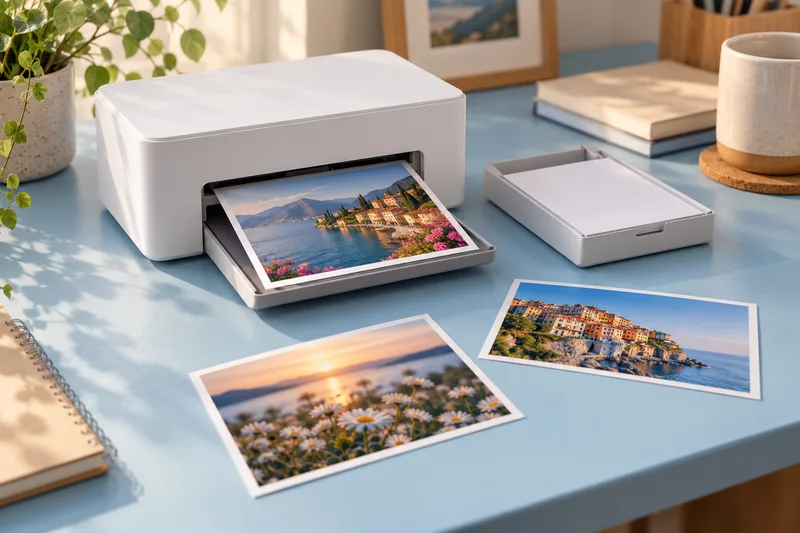
Canon SELPHY CP1500: a focused choice for small photo prints
I would choose a SELPHY CP1500 for convenient small photo prints when the supported formats and matched media packs suit the job.
Read the guide →Home photo printing: paper, borderless sizes and color handling
Start with a photo-capable printer and a supported paper-and-size combination. Then check the crop and color settings before judging quality. A glossy surface, a…
Read the guide →