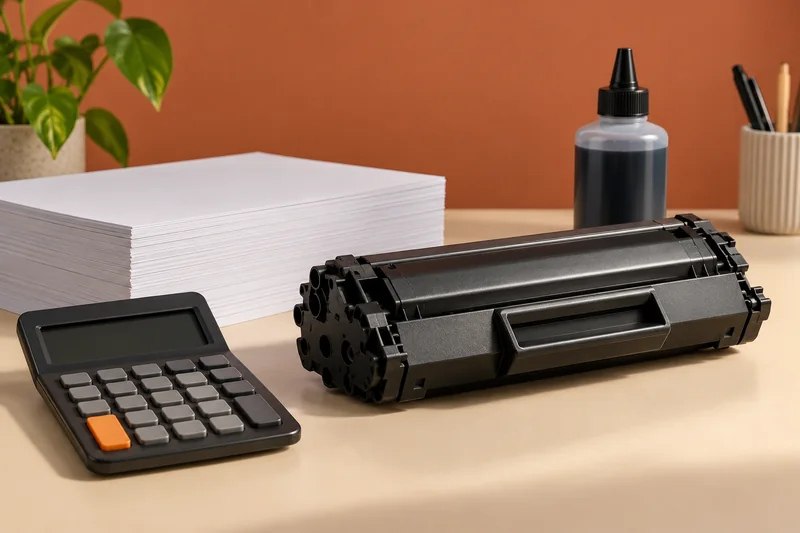
Answer: A grayscale-looking page does not establish which supplies the printer used. Check the exact model and mode documentation, and keep appearance separate from consumables accounting.
On this page
Print Use Lab editorial project · Updated October 21, 2026 · Original decision framework and illustrative example. No physical product measurement or hands-on benchmark is claimed.
Why the distinction matters
Black-and-white artwork, a grayscale driver option and a black-ink-only mode are different things. Some printer workflows use color supplies during printing or maintenance even when the output looks neutral. Do not infer supply behavior from a screenshot or extend one model’s setting to an entire brand. Start by identifying the task: lower cost, neutral photos or printing while a color supply is depleted.
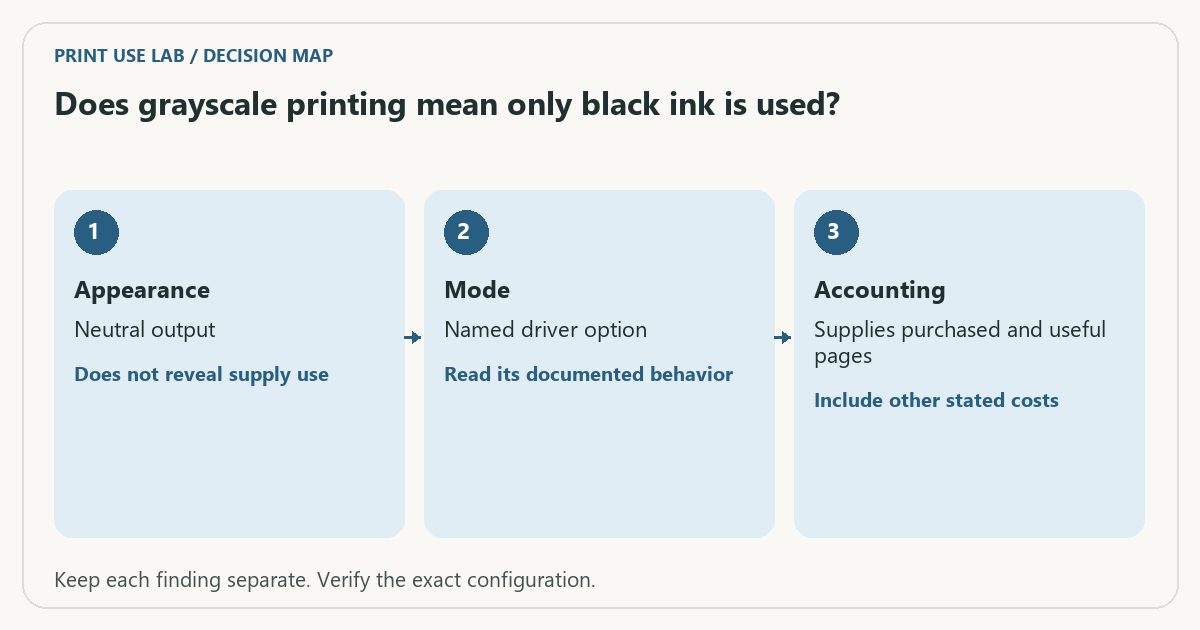
A practical sequence
- Record the exact printer, supply system and selected mode.
- Read the model’s guidance for black-only, grayscale and depleted-supply behavior.
- Check whether maintenance and setup use supplies independently of printed appearance.
- Use observed supply costs and useful output when estimating ownership cost.
Decision record
| Check | What it means | What to verify |
|---|---|---|
| Appearance | Neutral output | Does not reveal supply use |
| Mode | Named driver option | Read its documented behavior |
| Accounting | Supplies purchased and useful pages | Include other stated costs |
Worked example
In a hypothetical budget, a household prints 90% monochrome documents but still buys a color set for documented maintenance or mixed jobs. Assigning zero color cost merely because most pages look gray would understate that household’s observed expense. Record the actual purchases instead.
Verify the result
Keep any restriction on printing with an empty supply visible before purchase. Do not bypass cartridge detection or unsupported modes. Recheck the documentation after a firmware or supply-system change that affects the workflow.
Download the editable CSV worksheet · Print-job workbook
Question and answer
Does selecting grayscale guarantee operation with empty color cartridges? Only the exact model’s documented behavior can answer that. Appearance and depleted-supply operation are separate capabilities.
Sources and scope
- Epson: ET-2850 user guide — Use the matching model and regional manual for loading, maintenance and scanning details.
The decision sequence, diagrams, worksheet and worked case are our editorial work. AI assisted research, drafting and implementation. Official references support the named technical distinctions; examples do not establish real product performance.
Continue the task
- Ink and toner compatibility: supply codes, region and yield
- Why declared page yield does not predict every document
- Browse the complete resource library
Build on what you just learned
Your next useful step.
Compare supplies, volume and rejected pages.
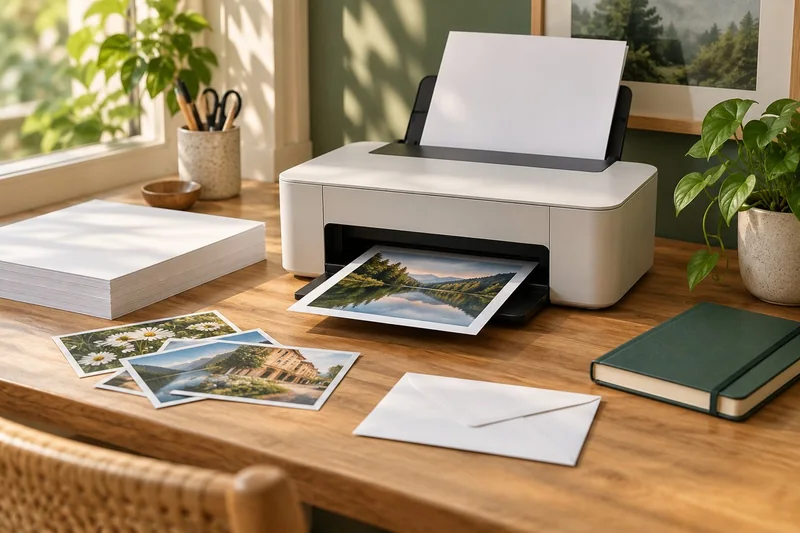
Epson EcoTank ET-2950: a sensible shortlist for regular mixed home printing
I would shortlist the ET-2950 for a household that prints colour documents regularly and wants automatic A4 duplex printing with refillable tanks.
Read the guide →Cost per page methodology: yields, color and ownership costs
Begin with the supplies price divided by the matching declared yield, then explain the scope. That quotient is a planning baseline, not a promise…
Read the guide →