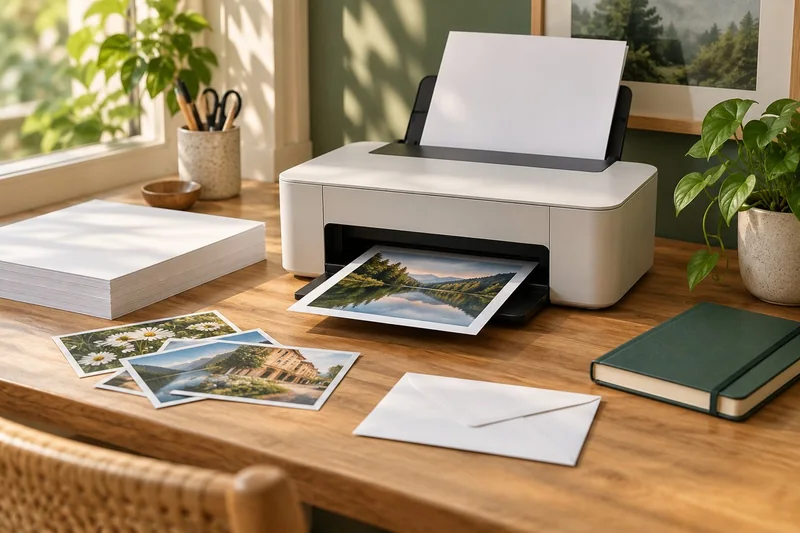
I would shortlist the ET-2950 for a household that prints colour documents regularly and wants automatic A4 duplex printing with refillable tanks. I would choose a different workflow for heavy batch scanning or mainly occasional black-text printing. The tank headline is useful only when the whole job fits the machine.
On this page
Our recommendation
My recommendation is to shortlist it for regular mixed home printing, then compare a local total-cost quote. I would not buy it solely for a promotional number of “years of ink” or assume it replaces a duplex document scanner.
Read beyond the ink-in-the-box claim
Epson’s European specification lists pigment black with dye colours, a 100-sheet rear input, automatic duplex on A4 plain paper, and flatbed scanning. Its “up to three years” and page-yield claims use stated assumptions; they do not predict a particular household’s calendar time between refills. Check the current regional SKU and support page before ordering.
Do not treat a flatbed as a batch-document feeder. If your main job is scanning many two-sided pages, compare a model with the required feeder capability or a separate scanner. Saving on ink does not compensate for repeatedly turning every page by hand.
Compare the ownership job
Enter your monthly mono and colour volume, local bottle prices and purchase price into the cost comparison. Add paper and likely rejected proofs where relevant. Keep occasional photographs separate from ordinary document volume, since their coverage and paper cost differ.
Check the working footprint with the rear feed and output area in use. Confirm that the intended labels, card or photo paper are supported in the exact feed path. A broad GSM range does not prove that every third-party coated or adhesive stock is suitable.
A workflow-based choice
A family prints school handouts and colour diagrams every week but scans only a few single pages. That is a more plausible ET-2950 use case than an office digitising stacks of duplex invoices. For the office, the time cost of manual scanning can outweigh a lower ink bill even when the monthly print count is similar.
Before you act
- Confirm the exact regional SKU and supplies.
- Separate print savings from scan labour.
- Check feed-path support for special media.
Use the Monthly printing cost estimator to apply the guide to your own setup.
Keep exploring
- Tank vs cartridge inkjet: when the extra upfront cost makes sense
- ADF vs duplex ADF: separate printing from two-sided scanning
Sources and research notes
Research checked on 21 October 2026. Product specifications are manufacturer statements; examples and buying judgements are our analysis. No hands-on product test is implied.
Build on what you just learned
Your next useful step.
Compare supplies, volume and rejected pages.
Inkjet vs laser: choose by the pages you print
Start with your hardest recurring task. A monochrome laser is a sensible first candidate for text documents and long gaps between jobs. An inkjet…
Read the guide →
Cost per page methodology: yields, color and ownership costs
Begin with the supplies price divided by the matching declared yield, then explain the scope. That quotient is a planning baseline, not a promise…
Read the guide →