A physical sheet fitting a tray is only the start. Media type, thickness, coating, input path and printing mode can each change support. A plain-paper GSM range is not a blanket permission for cardstock or labels.
Record the combination
Use the exact printer edition and stock product, then attach the manufacturer’s relevant table or instruction to the finding. For duplex and borderless jobs, check their own restrictions. Leave missing facts as unknown.
Use the dimensions reference and converter for physical sizes. They do not establish compatibility or printable margins.
Practical guides
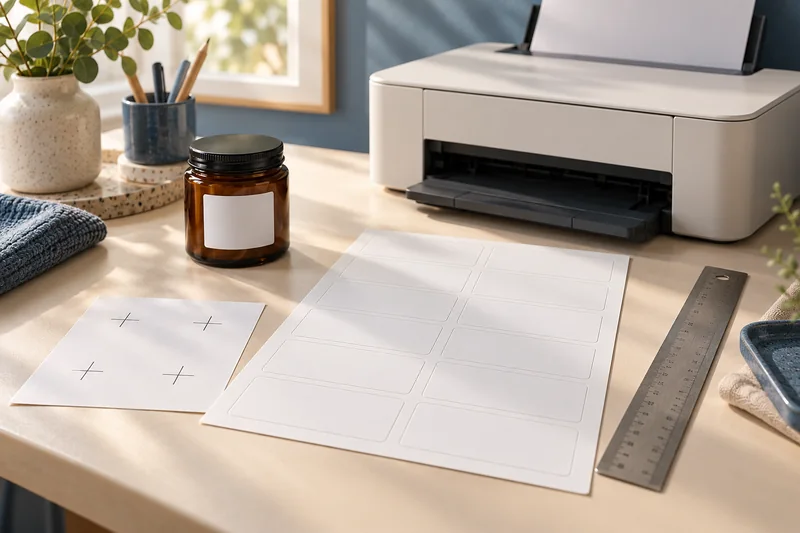
Read inkjet and laser labels on specialty paper before loading
Match the stock’s intended printing technology and construction with the exact printer’s media guidance. An app successfully sending the job cannot approve the physical sheet.
A filled PDF prints blank fields: check the saved file and print layers
Save and reopen the filled PDF, then inspect the print preview and the viewer’s form/comment options.
Measure label alignment at three points before changing the template
Measure matching reference points near the beginning, middle and end of one axis on a plain-paper proof.
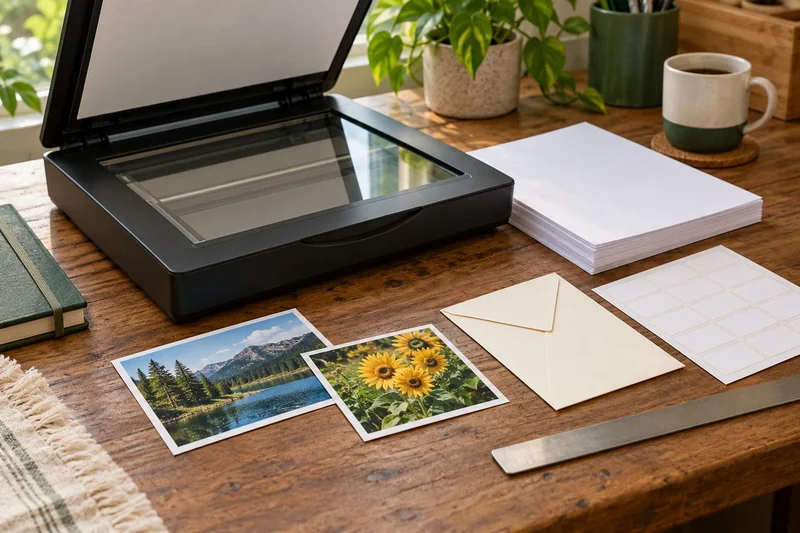
A part-used label sheet is not an ordinary blank sheet
I would avoid feeding a part-used sheet back through the printer unless the exact label and printer instructions explicitly support it.
Mail-merge labels: preserve leading zeroes before fixing the print layout
Import postal codes and identifiers as text when their leading zeroes are meaningful, then inspect merged records before printing.
Paper weight vs thickness: why GSM cannot prove printer compatibility
Separate paper mass, caliper, coating and feed-path limits before trying cardstock or specialty media.
Print an Excel sheet one page wide without shrinking the whole report to a stamp
For a long table, I would usually fit the columns to one page wide while allowing several pages vertically.
Printable area vs paper size: diagnose cropped edges
Check document size, printer margins, scaling and borderless expansion before changing your artwork or paper.
White text on clear labels: why a home printer may leave it transparent
Most ordinary home colour printers do not lay down white ink or toner.
Long edge vs short edge printing: portrait and landscape chart
Choose the binding edge for portrait or landscape output, then check a two-page proof before printing the full job.
Proof a QR label at its final size and on the real surface
Keep the QR symbol’s clear margin, print it at the intended size and test the finished label on the actual object.
Check booklet page order before printing a full PDF
Make a small numbered proof, fold it as intended and read every page in sequence. Booklet imposition, duplex turning and page scaling are separate settings.
Actual size or Fit? Choose PDF print scaling by the job
Use an unscaled mode when dimensions must be preserved, and Fit when keeping all content inside the printable area matters more than exact size. Check
Set a custom paper size without confusing stock and artwork
Check the model’s custom-size range, feed source and media restrictions first. Then match the document, driver and loaded sheet dimensions instead of changing only one
Label alignment: distinguish a constant offset from scale drift
Compare the first and last label positions on a plain-paper proof. A consistent shift suggests an offset; a growing mismatch suggests scale or template geometry
Check front-to-back alignment on duplex pages
Use visible reference marks on a two-sided plain-paper proof and compare their relationship after turning the sheet. Preserve a safe margin rather than assuming perfect
Store printer paper so the next feed test remains meaningful
Keep stock supported in its packaging under the supplier’s storage conditions, and load only media that meets the printer’s condition requirements. Damaged or curled stock
Choose paper for duplex readability without relying on GSM alone
Check supported media first, then assess opacity and show-through with your actual two-sided content. Paper weight alone cannot establish readable duplex output.
Proof an envelope address without wasting envelopes
Check the exact envelope size and model’s loading instructions, then use an appropriate plain-paper layout proof before one supported envelope test.
Can your printer print cardstock? Check more than GSM
Verify cardstock weight, thickness, coating, feed path and duplex limits before buying or loading heavy paper.
Print sheet labels without avoidable feed and alignment mistakes
A safe label workflow that verifies laser or inkjet media, full sheets, template sizing and feed restrictions.
Print envelopes: size, orientation and feed-path checks
Prepare envelope printing by checking the supported envelope type, actual dimensions, loading direction and nonprintable area.
US Letter, Legal and A4: dimensions and print setup
A practical paper-size reference that separates physical dimensions, printable area, supported sizes and scaling.