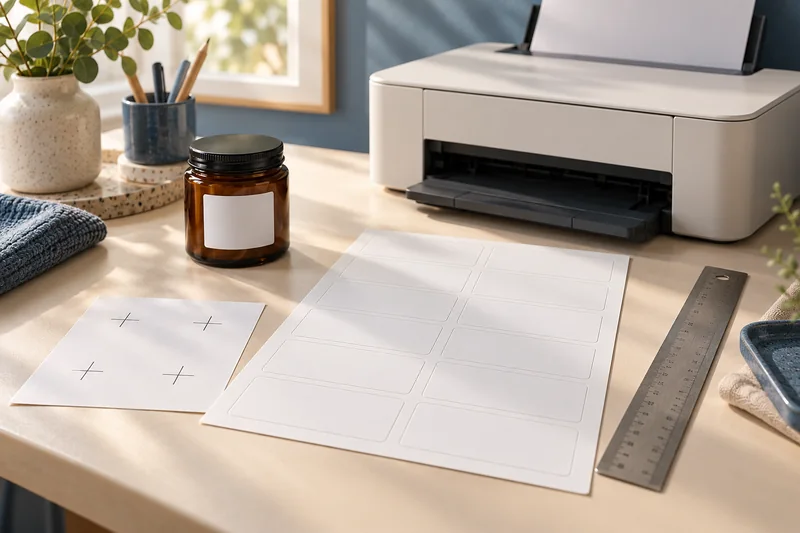
Most ordinary home colour printers do not lay down white ink or toner. I would use an opaque white label stock or a specialist white-print service when white artwork must remain visible on a dark container. A white area in the design can simply become the unprinted substrate.
On this page
Our recommendation
I would choose white stock for simple readable home labels and a specialist white-print service for a transparent-label design that depends on white marks. Check a physical proof on the actual container before ordering a batch.
Check the actual marking system
Avery’s guidance says standard home inkjet printers do not have white ink and distinguishes its specialist white-print service. Do not assume a “colour” printer includes a white channel. Check the exact device and service specification if white output is a requirement.
Put a sample of the clear stock on the intended surface before designing the full job. The container colour can show through unprinted areas and affect the appearance of coloured artwork. A preview shown against white on screen can hide that problem.
Choose a practical route
For an occasional home job, opaque white stock is often the simplest solution, provided it is compatible with the printer and intended application. If the design needs genuinely transparent areas around opaque white text, request an appropriate specialist print process and proof.
Compare total accepted labels and delivery time rather than buying unsupported supplies to imitate a white channel. Do not put specialist preprinted stock back through a home printer unless both suppliers support that use. Keep adhesive, coating and printer technology compatibility separate from the artwork question.
A dark-jar label
A design uses white lettering on a transparent background. Printed on ordinary clear stock with a typical CMYK home device, the “white” may be unprinted and the dark jar shows through. An opaque white label changes the design but makes ordinary coloured or black text readable; a white-underprint service preserves a different visual effect.
Before you act
- Verify whether the device has a white marking channel.
- Test the clear stock on the final surface.
- Choose supported stock or a documented specialist process.
Use the Print-job workbook to apply the guide to your own setup.
Keep exploring
- Read inkjet and laser labels on specialty paper before loading
- Print sheet labels without avoidable feed and alignment mistakes
Sources and research notes
Research checked on 21 October 2026. Product specifications are manufacturer statements; examples and buying judgements are our analysis. No hands-on product test is implied.
Build on what you just learned
Your next useful step.
Separate the right stock from the right scale.
Measure label alignment at three points before changing the template
Measure matching reference points near the beginning, middle and end of one axis on a plain-paper proof.
Read the guide →
A part-used label sheet is not an ordinary blank sheet
I would avoid feeding a part-used sheet back through the printer unless the exact label and printer instructions explicitly support it.
Read the guide →