I would avoid feeding a part-used sheet back through the printer unless the exact label and printer instructions explicitly support it. Choose smaller supported sheets or batch the job when possible. Saving a few labels is poor value if an exposed edge or loosened label creates a jam.
On this page
Our recommendation
For occasional jobs I prefer a fresh supported sheet after a successful plain-paper proof. For repeated tiny batches, choose a format designed for that pattern instead of relying on repeated passes.
Check the stock maker’s instruction
Avery says its sheet labels should be fed through an inkjet or laser printer only once and explains that repeated passes can lead to curling, peeling or jams. Treat that as guidance for the cited stock, then check the exact product and printer manual. Do not generalise a social-media reuse trick into a universal recommendation.
A sheet with missing labels has a different surface and stiffness from a fresh sheet. Taping over empty positions or attaching loose labels to ordinary paper creates another unverified media configuration. Avoid improvised repairs that put adhesive or loose edges into the paper path.
Reduce waste before printing
Group small label jobs into a planned batch, choose a supported mini-sheet format or compare a suitable roll-label workflow if tiny quantities are frequent. Include setup time, stock cost and accepted output in the comparison. A new printer is not justified merely because one sheet had unused positions.
Proof the content and alignment on plain paper first. Check the chosen positions in the software, but remember that selecting only a few labels does not itself make refeeding the sheet physically supported. Software layout and media handling are separate questions.
A low-volume label job
You need three labels from a thirty-label sheet. Rather than repeatedly reusing the remaining sheet, compare the cost of an appropriate smaller format or wait until several compatible jobs can share one fresh sheet. Keep private address data out of any sample exported for alignment testing.
Before you act
- Read the exact stock and printer instructions.
- Do not use tape or loose labels as a feed workaround.
- Plan small batches before consuming the sheet.
Use the Label Alignment Diagnoser to apply the guide to your own setup.
Keep exploring
- Print sheet labels without avoidable feed and alignment mistakes
- Read inkjet and laser labels on specialty paper before loading
Sources and research notes
Research checked on 21 October 2026. Product specifications are manufacturer statements; examples and buying judgements are our analysis. No hands-on product test is implied.
Build on what you just learned
Your next useful step.
Separate the right stock from the right scale.
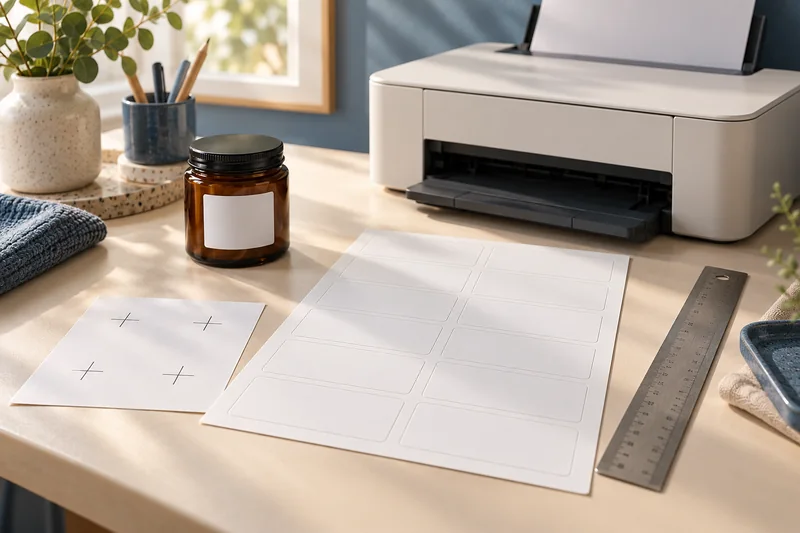
Measure label alignment at three points before changing the template
Measure matching reference points near the beginning, middle and end of one axis on a plain-paper proof.
Read the guide →Proof a QR label at its final size and on the real surface
Keep the QR symbol’s clear margin, print it at the intended size and test the finished label on the actual object.
Read the guide →