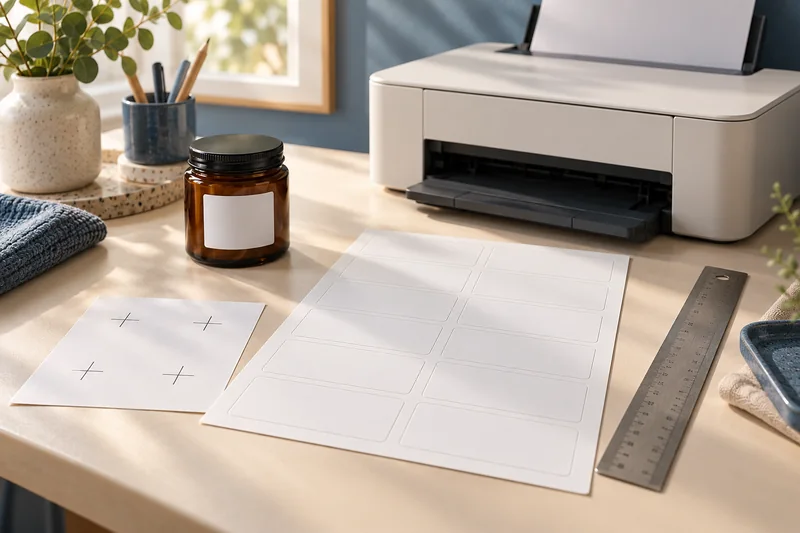
Answer: Match the stock’s intended printing technology and construction with the exact printer’s media guidance. An app successfully sending the job cannot approve the physical sheet.
On this page
Print Use Lab editorial project · Updated October 21, 2026 · Original decision framework and illustrative example. No physical product measurement or hands-on benchmark is claimed.
Why the distinction matters
Specialty sheets can have coatings, adhesives or constructions designed for a particular process. A package that says inkjet or laser communicates an intended use, but printer-specific feed and mode limits still apply. Keep the manufacturer’s stock product code and instructions. Do not treat a glossy appearance as evidence of a coating’s compatibility.
A practical sequence
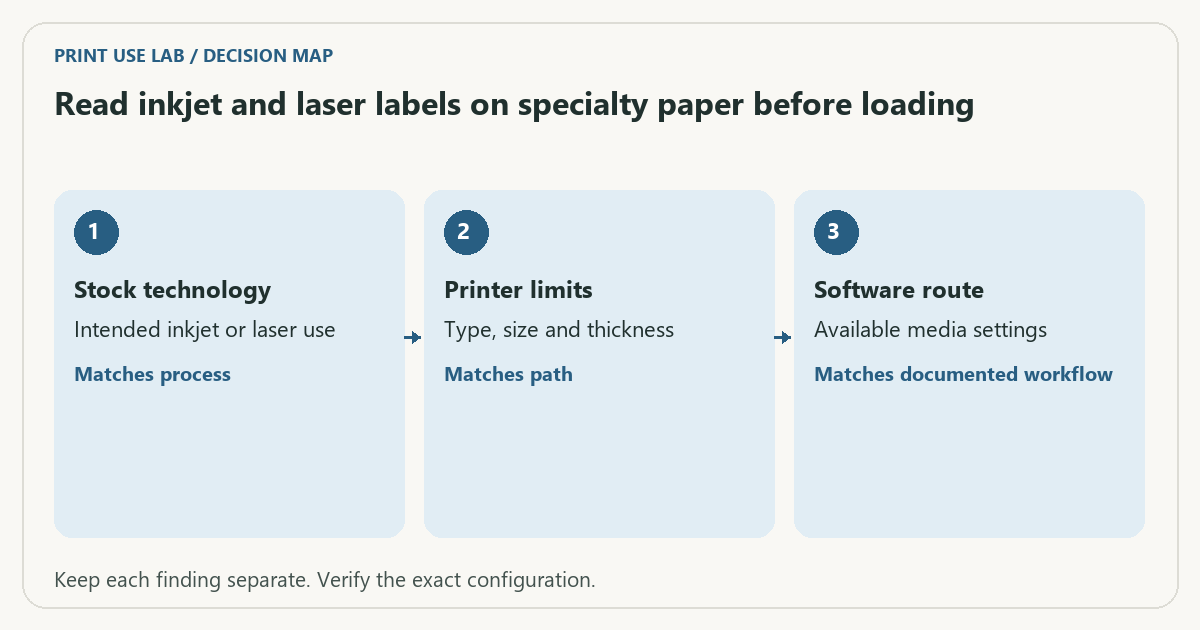
- Identify the exact stock product and its stated printing technology.
- Read the printer’s media-type, size, caliper and feed restrictions.
- Check loading quantity and driver media selection for that combination.
- Use a single supported proof only after those conditions align.
Decision record
| Check | What it means | What to verify |
|---|---|---|
| Stock technology | Intended inkjet or laser use | Matches process |
| Printer limits | Type, size and thickness | Matches path |
| Software route | Available media settings | Matches documented workflow |
Worked example
A fictional mobile print service sends a label job successfully, but its simplified dialog lacks the media setting required by the printer’s instructions. Successful transmission is not the same as a supported label workflow. Use a supported route that exposes the necessary controls.
Verify the result
Keep lifting labels, damaged coatings and unapproved sheets out of the printer. Use the supplier’s and printer’s restrictions together. If either leaves a material condition unresolved, ask before buying a large pack.
Download the editable CSV worksheet · Print-job workbook
Question and answer
Does a universal paper-size setting override a stock restriction? No. Size, construction, technology and mode are separate conditions.
Sources and scope
- Brother: paper weight and thickness — A model-family example of separate feed, weight and caliper conditions; not a specification for your printer.
- Epson: ET-2850 user guide — Use the matching model and regional manual for loading, maintenance and scanning details.
The decision sequence, diagrams, worksheet and worked case are our editorial work. AI assisted research, drafting and implementation. Official references support the named technical distinctions; examples do not establish real product performance.
Continue the task
- Android printing: Default Print Service, Mopria and manufacturer apps
- A PDF prints missing text: compare file, preview and output
- Browse the complete resource library
Build on what you just learned
Your next useful step.
Separate the right stock from the right scale.
Measure label alignment at three points before changing the template
Measure matching reference points near the beginning, middle and end of one axis on a plain-paper proof.
Read the guide →
A part-used label sheet is not an ordinary blank sheet
I would avoid feeding a part-used sheet back through the printer unless the exact label and printer instructions explicitly support it.
Read the guide →