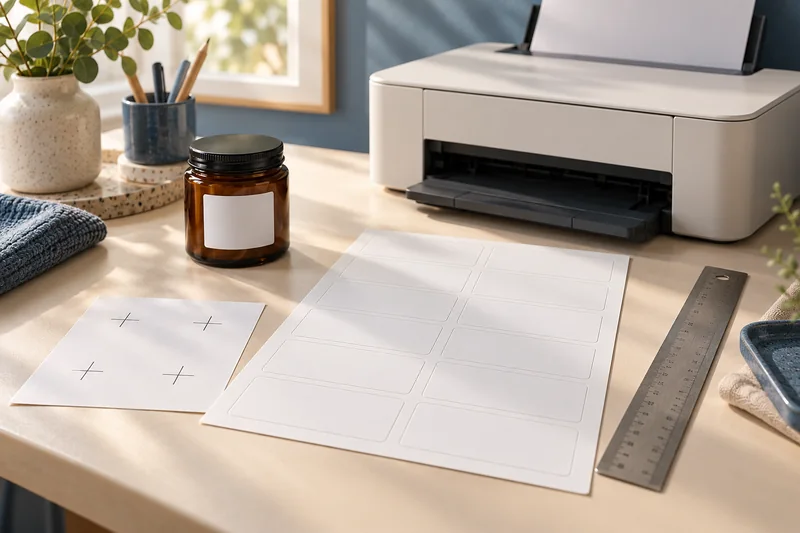
Import postal codes and identifiers as text when their leading zeroes are meaningful, then inspect merged records before printing. I would fix the data source first. A perfectly aligned label is still wrong if the merge has already changed the address or identifier.
On this page
Our recommendation
I would keep a reusable test dataset and a clean text import before a large merge. It catches data problems cheaply, while the alignment tool handles the separate physical-print question.
Inspect the value before the template
LibreOffice’s text-import help says to use a Text column type when leading zeroes must be retained. Check the source and imported preview for fields such as postal codes and reference numbers. A display format applied after a value was changed may not reconstruct the original information reliably.
Use a small test source with a leading-zero value, an accented name, a long line and an empty optional field. Keep real personal records out of public examples. Record the delimiter and encoding used so the successful import can be reproduced.
Proof the merge independently of alignment
Match the template fields to the intended source columns and preview several records, including the first and last. LibreOffice’s merge guidance notes that source changes may not appear while the source is in use, so refresh through the supported workflow and verify the actual merged output.
Export or preview the complete batch before loading labels. Check line wrapping, empty-line handling, duplicates and record count. Only after the content is correct should you diagnose physical alignment with a plain-paper proof. Do not edit each printed position to compensate for a data-source error.
A compact proof set
Use test identifiers “00123” and “A-004”, a long street line and an accented surname. Confirm that the final merged PDF retains those exact values and that the last record is present. If “00123” becomes “123”, return to the import stage; moving the text box cannot repair the lost zeroes.
Before you act
- Preserve identifiers as text at import.
- Preview unusual and final records.
- Separate content proofing from sheet alignment.
Use the Label Alignment Diagnoser to apply the guide to your own setup.
Keep exploring
- Print sheet labels without avoidable feed and alignment mistakes
- Measure label alignment at three points before changing the template
Sources and research notes
Research checked on 21 October 2026. Product specifications are manufacturer statements; examples and buying judgements are our analysis. No hands-on product test is implied.
- LibreOffice: text import and preserving leading zeroes
- LibreOffice: mail-merge address fields and preview
Build on what you just learned
Your next useful step.
Separate the right stock from the right scale.
Measure label alignment at three points before changing the template
Measure matching reference points near the beginning, middle and end of one axis on a plain-paper proof.
Read the guide →
A part-used label sheet is not an ordinary blank sheet
I would avoid feeding a part-used sheet back through the printer unless the exact label and printer instructions explicitly support it.
Read the guide →