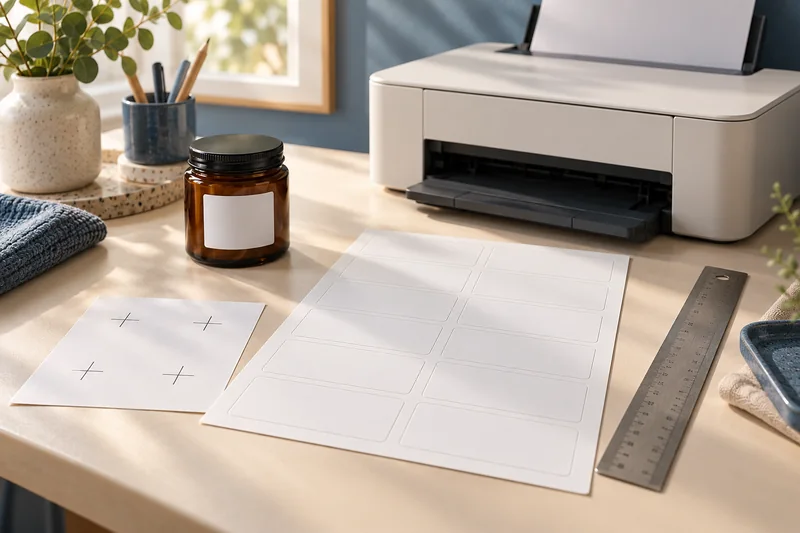
Answer: Compare the first and last label positions on a plain-paper proof. A consistent shift suggests an offset; a growing mismatch suggests scale or template geometry needs checking.
Our recommendation: prove the template before buying more stock
We would keep the printer settings fixed while testing a constant offset, and stop nudging margins if the error grows from row to row. The second pattern calls for checking scale, stock size and template geometry. Our 5160-versus-8160 starting choice also explains when neither product suits the job.
Use the paper size converter to check the document dimensions, then save a successful proof in the print-job workbook. Changing paper, driver and template together makes the next result harder to explain.
On this page
Print Use Lab editorial project · Updated October 21, 2026 · Original decision framework and illustrative example. No physical product measurement or hands-on benchmark is claimed.
Why the distinction matters
Nudging an entire layout can fix a consistent displacement, but it cannot correct a layout whose spacing changes relative to the sheet. First match the template’s exact product number and paper format. Check scaling before adjusting position. Keep label media out of the first trial so diagnosis does not consume adhesive sheets or introduce a feed variable.

A practical sequence
- Print the exact template on supported plain paper using the intended page size and unscaled setting.
- Compare the first and last rows and both left and right edges against the unused product.
- Resolve progressive spacing mismatch before applying an alignment offset.
- After a successful paper proof, use only label stock and a feed path documented for the printer.
Decision record
| Check | What it means | What to verify |
|---|---|---|
| Same shift everywhere | Possible position offset | Check size, then nudge once |
| Shift grows down sheet | Possible scaling or pitch mismatch | Check template and scale |
| Irregular skew | Possible feed or sheet issue | Check loading and supported media |
Worked example
A hypothetical top row is 1 mm low and the bottom row is 7 mm low. Moving the whole design up 1 mm leaves 6 mm of progressive error at the bottom. Return to scaling and template spacing before applying larger offsets. A constant 2 mm shift at both ends is a different pattern.
Verify the result
Change one variable and retain the marked proof. Avoid repeatedly feeding a partly used label sheet unless both printer and label manufacturer permit it. Stop if labels lift, curl or separate.
Download the editable CSV worksheet · Print-job workbook
Question and answer
Can I fix a wrong template by shifting the page? A shift changes position, not label dimensions or pitch. Use the exact product template first.
Sources and scope
- Avery: adjust print alignment — Supports checking page size and scale before adjusting a consistent offset.
- Adobe Acrobat: page sizing for print — Distinguishes scaling modes. Printer margins and supported media remain model-specific.
The decision sequence, diagrams, worksheet and worked case are our editorial work. AI assisted research, drafting and implementation. Official references support the named technical distinctions; examples do not establish real product performance.
Continue the task
- Print sheet labels without avoidable feed and alignment mistakes
- Check front-to-back alignment on duplex pages
- Browse the complete resource library
Build on what you just learned
Your next useful step.
Separate the right stock from the right scale.
Measure label alignment at three points before changing the template
Measure matching reference points near the beginning, middle and end of one axis on a plain-paper proof.
Read the guide →
A part-used label sheet is not an ordinary blank sheet
I would avoid feeding a part-used sheet back through the printer unless the exact label and printer instructions explicitly support it.
Read the guide →