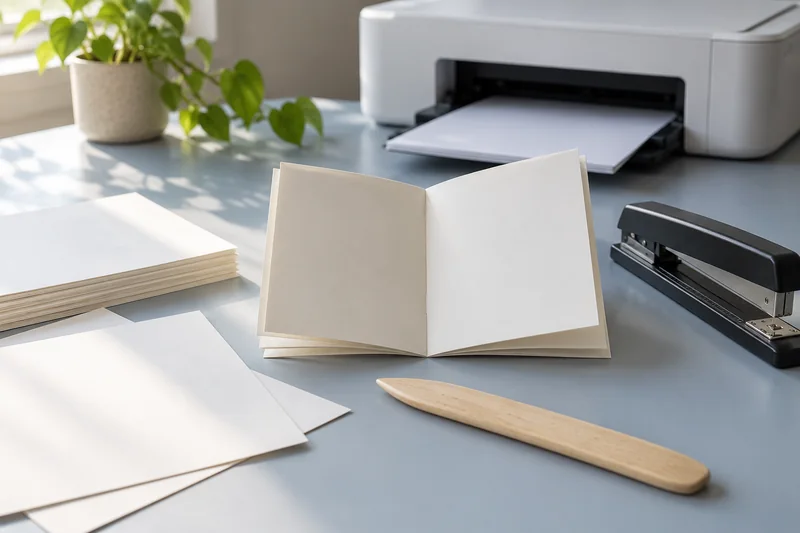
Answer: Use visible reference marks on a two-sided plain-paper proof and compare their relationship after turning the sheet. Preserve a safe margin rather than assuming perfect front-to-back registration.
On this page
Print Use Lab editorial project · Updated October 21, 2026 · Original decision framework and illustrative example. No physical product measurement or hands-on benchmark is claimed.
Why the distinction matters
Automatic duplex support does not imply that artwork will land at exactly the same physical coordinates on both sides. Scaling, application margins, feed variation and the turning mode can all matter. Decide how much mismatch the job can tolerate before printing a batch. A home printer suitable for reports may not meet the registration needs of closely trimmed cards.

A practical sequence
- Create a two-sided reference with page numbers, top arrows and inset corner marks.
- Match document and paper sizes, then choose the intended binding edge.
- Print a small proof set on supported media and compare the references.
- Adjust the design or workflow if the observed variation exceeds the job’s needs.
Decision record
| Check | What it means | What to verify |
|---|---|---|
| Orientation | Back upright after intended turn | Binding mode correct |
| Scale | Known dimension on both faces | No unintended resizing |
| Position | Inset marks across the sheet | Within your job tolerance |
Worked example
Suppose an illustrative card design has a 1 mm trim border but its proof varies by 2 mm between front and back. A fixed offset cannot reliably rescue a variable mismatch. Increase the design’s safe area, choose another finishing approach or use a service with suitable documented registration.
Verify the result
Do not apply one model’s registration adjustment instructions to another. Save the proof and chosen tolerance with the job. For envelopes, keep this duplex procedure separate: many envelope workflows are simplex and require their own feed restrictions.
Download the editable CSV worksheet · Print-job workbook
Question and answer
Will centering both PDF pages guarantee aligned backs? No. It establishes document placement, while the physical printing path can add variation.
Sources and scope
- Adobe Acrobat: page sizing for print — Distinguishes scaling modes. Printer margins and supported media remain model-specific.
- Epson: ET-2850 user guide — Use the matching model and regional manual for loading, maintenance and scanning details.
The decision sequence, diagrams, worksheet and worked case are our editorial work. AI assisted research, drafting and implementation. Official references support the named technical distinctions; examples do not establish real product performance.
Continue the task
- Print envelopes: size, orientation and feed-path checks
- Calculate photo print size from pixels before resampling
- Browse the complete resource library
Build on what you just learned
Your next useful step.
Proof the page, binding edge and reading order.
A filled PDF prints blank fields: check the saved file and print layers
Save and reopen the filled PDF, then inspect the print preview and the viewer’s form/comment options.
Read the guide →Duplex printing: automatic, manual and binding-edge differences
Automatic duplex prints both sides without asking you to reload the sheet. Manual duplex requires a documented reinsertion step. Neither feature tells you whether…
Read the guide →