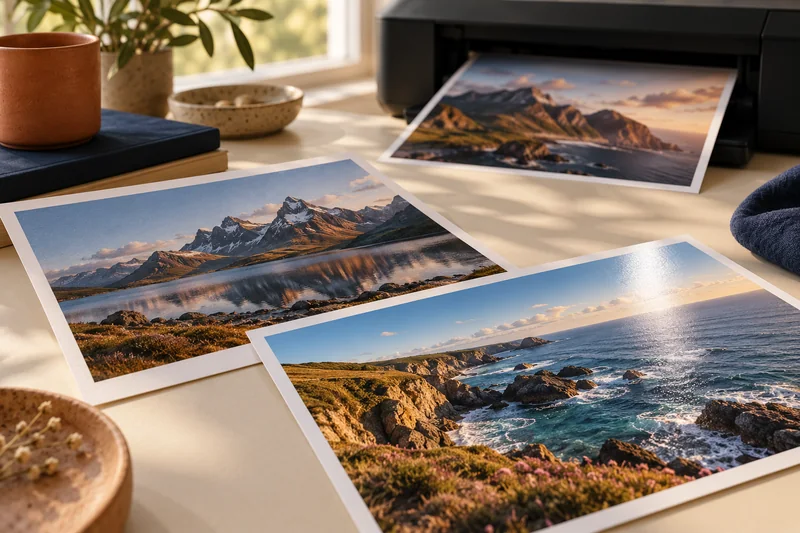
Answer: Divide pixel dimensions by the intended print dimensions in inches to find effective PPI. Then assess the actual crop and a proof rather than relying on the file’s resolution tag alone.
On this page
Print Use Lab editorial project · Updated October 21, 2026 · Original decision framework and illustrative example. No physical product measurement or hands-on benchmark is claimed.
Why the distinction matters
Changing a PPI metadata tag without resampling does not add captured detail. The relevant quantity is how many source pixels remain across the final printed area after cropping. Viewing distance and the image itself influence the acceptable result, so no single PPI value guarantees quality. Keep an untouched original and make crop and resampling decisions on a working copy.
A practical sequence
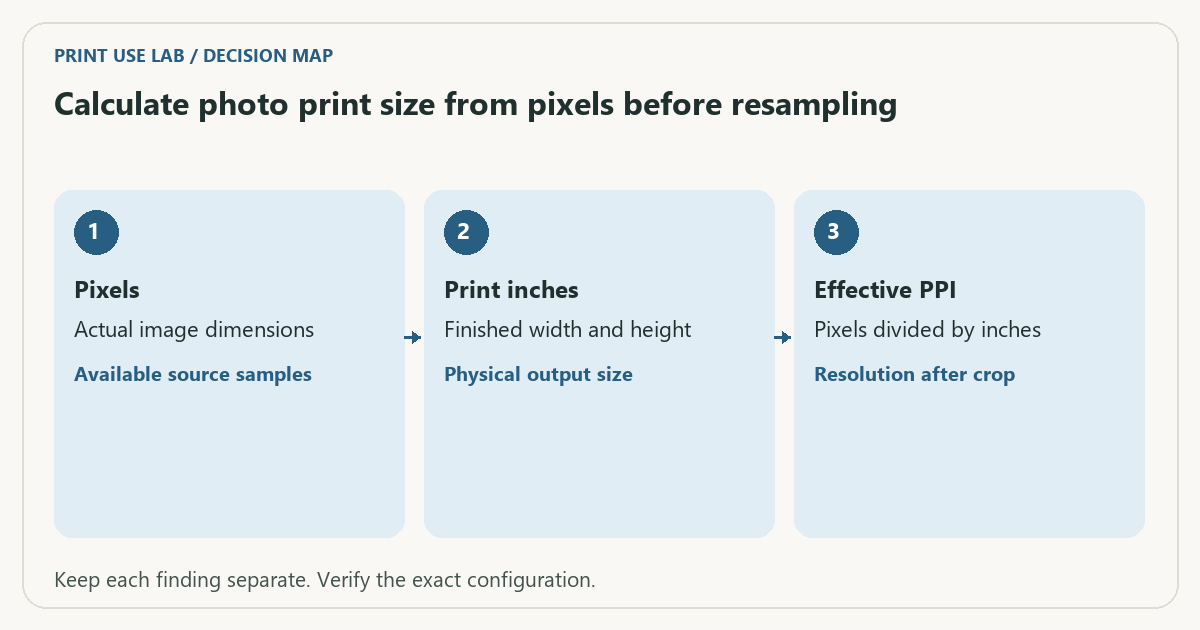
- Read the image’s actual pixel width and height.
- Choose the intended print dimensions and calculate their aspect ratio.
- Crop deliberately, then calculate effective PPI from the remaining pixels.
- Make a supported proof and inspect detail, edges and crop at the intended viewing distance.
Decision record
| Check | What it means | What to verify |
|---|---|---|
| Pixels | Actual image dimensions | Available source samples |
| Print inches | Finished width and height | Physical output size |
| Effective PPI | Pixels divided by inches | Resolution after crop |
Worked example
A 3000 × 2400 pixel image printed at 10 × 8 inches supplies 300 PPI on both axes. Printing the same uncropped pixels at 20 × 16 inches supplies 150 PPI. Those are arithmetic results, not a claim that either print will look a particular way on a named paper or printer.
Verify the result
Check that driver enlargement or borderless expansion does not change the intended crop. Record the working file and settings with the proof. A printer’s advertised DPI describes a different stage from the image’s PPI.
Download the editable CSV worksheet · Print-job workbook
Question and answer
Does setting the file to 300 PPI create missing detail? Without resampling it changes the requested physical size; with resampling it adds calculated samples, not newly captured scene detail.
Sources and scope
- Adobe Acrobat: page sizing for print — Distinguishes scaling modes. Printer margins and supported media remain model-specific.
The decision sequence, diagrams, worksheet and worked case are our editorial work. AI assisted research, drafting and implementation. Official references support the named technical distinctions; examples do not establish real product performance.
Continue the task
- Home photo printing: paper, borderless sizes and color handling
- Separate photo aspect-ratio crop from borderless expansion
- Browse the complete resource library
Build on what you just learned
Your next useful step.
Work from pixels to crop, paper and color handling.
Canon SELPHY CP1500: a focused choice for small photo prints
I would choose a SELPHY CP1500 for convenient small photo prints when the supported formats and matched media packs suit the job.
Read the guide →Home photo printing: paper, borderless sizes and color handling
Start with a photo-capable printer and a supported paper-and-size combination. Then check the crop and color settings before judging quality. A glossy surface, a…
Read the guide →