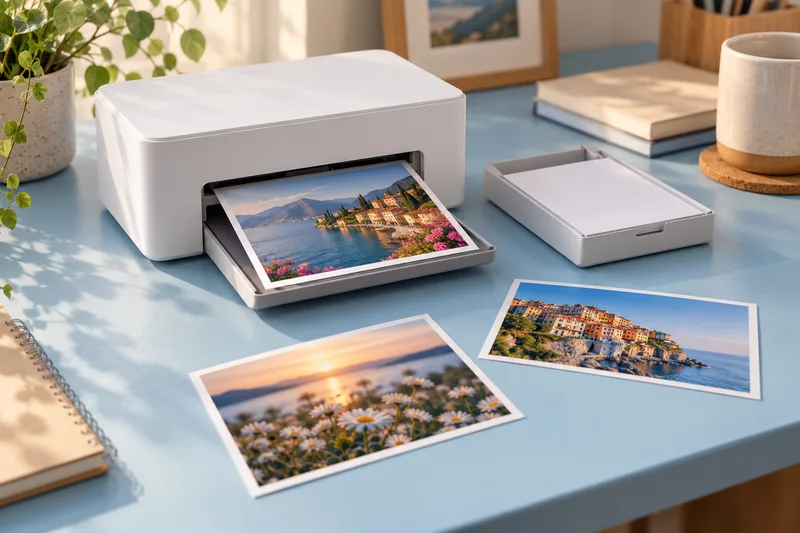
I would choose a SELPHY CP1500 for convenient small photo prints when the supported formats and matched media packs suit the job. I would choose an A4 photo workflow or a lab for larger output. It is a dedicated photo tool, not a substitute for an ordinary document printer.
On this page
Our recommendation
I recommend it for small-format convenience when the media system and power arrangement are acceptable. For A4 prints, demanding colour matching or a large unattended batch, compare a different printer or lab workflow.
Know the format and power limits
Canon’s specification describes dye-sublimation printing, matched paper-and-ribbon media, a 3.5-inch display and postcard-size output among the supported formats. The USB-C connection does not provide USB charging. The optional battery is a separate purchase; check the regional accessory specification rather than assuming phone-style USB-C power.
Plan physical clearance for the paper path according to the manual. The printer body dimensions alone do not describe the working surface required during a print. Keep the illustrative image here separate from the named product: it is generic editorial imagery, not a photograph of a tested CP1500.
Compare cost per accepted photograph
Price the compatible media pack locally and divide by its declared print quantity, then include your likely crop proofs and rejects. For occasional batches, compare that total with a lab’s delivered price and turnaround. Convenience can justify a higher unit cost, but it should be a conscious choice.
Crop the photograph to the intended output ratio before sending it. Check a proof with important faces or text near the edges. Do not use a headline longevity claim as a promise for every display condition; Canon’s stated long-life estimate is based on specified controlled testing and storage assumptions.
A small-event budget
For an illustrative event needing 60 accepted photos, a 10% reject allowance means planning about 67 attempts before rounding to available media packs. Add battery or mains access, transfer time and a proof print to the event plan. The arithmetic does not establish the machine’s sustained event throughput.
Before you act
- Check supported size and exact media pack.
- Do not assume USB-C charging.
- Budget accepted prints, proofing and power together.
Use the Cost per page calculator to apply the guide to your own setup.
Keep exploring
- Separate photo aspect-ratio crop from borderless expansion
- Calculate photo print size from pixels before resampling
Sources and research notes
Research checked on 21 October 2026. Product specifications are manufacturer statements; examples and buying judgements are our analysis. No hands-on product test is implied.
Build on what you just learned
Your next useful step.
Work from pixels to crop, paper and color handling.
Home photo printing: paper, borderless sizes and color handling
Start with a photo-capable printer and a supported paper-and-size combination. Then check the crop and color settings before judging quality. A glossy surface, a…
Read the guide →
Photo prints too dark? Check the display and viewing light before editing again
I would compare the print under sensible viewing light and check the display setup before brightening the image repeatedly.
Read the guide →