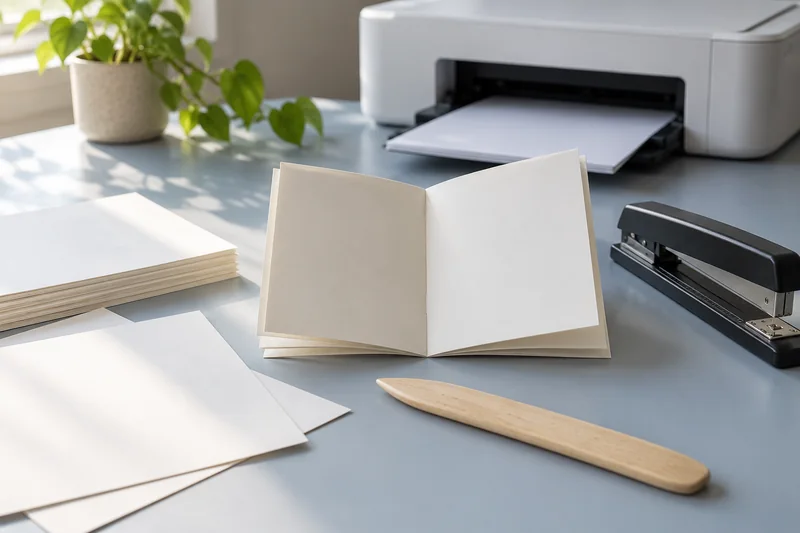
Duplex printing puts output on both sides of a sheet. Automatic duplex handles the second side through the printer; manual duplex asks you to refeed paper. Neither feature says whether an ADF scanner can read both sides of an original.
On this page
A page is a side; a sheet is the physical paper
A ten-page document usually uses five sheets when printed duplex, but still prints ten sides. Ink or toner consumption is not automatically halved. For separate copies, round up the sheet count for each copy before multiplying by the number of copies.
| Job | Simplex sheets | Duplex sheets | Printed sides |
|---|---|---|---|
| 10 pages × 1 copy | 10 | 5 | 10 |
| 11 pages × 1 copy | 11 | 6 | 11 |
| 11 pages × 3 separate copies | 33 | 18 | 33 |
| 1 page × 20 separate copies | 20 | 20 | 20 |
For the 11-page, three-copy job, round up(11 ÷ 2) × 3 = 18 sheets. Rounding up(33 ÷ 2) gives 17, which would require one copy to begin on the back of another. Decide whether that is acceptable before combining separate documents into one print run.
Choose the physical turning edge
| Finished document | Starting option |
|---|---|
| Portrait, book-style left/right turn | Long edge |
| Portrait, flip-up notepad | Short edge |
| Landscape, book-style left/right turn | Short edge |
| Landscape, flip-up calendar | Long edge |
Print the two-page orientation proof before committing the full job. Do not rotate the source and change binding at the same time. Booklet mode is a separate imposition task and does not use the simple sheet model above.
Automatic and manual modes have media limits
Check the exact model’s supported size, weight, coating and two-sided path. Automatic duplex availability on ordinary office paper does not establish support for labels, envelopes or heavy stock. Follow the printer and paper supplier’s instructions; do not repeatedly refeed unsuitable stock to discover the limit.
With manual duplex, follow the actual reloading prompt. A universal “face down” instruction can invert or reverse the job on another printer. Establish the workflow with one supported sheet, then verify page order and drying requirements before a full run.
Use the sheet count in the cost estimate
For 33 printed sides on 18 sheets, with an illustrative supplies cost of $0.02 per side and paper at $0.01 per sheet, the total is 33 × $0.02 + 18 × $0.01 = $0.84 before waste and other costs. Treating every duplex job as exactly half a sheet per side would undercount this job’s paper. The cost-per-page calculator explains its continuous average model; use the actual sheet count for a small odd-page job.
Adobe: print both sides in Acrobat · Check duplex scanning independently.
Research and original worked examples, revised November 19, 2026. No physical printer test is claimed. Research method · Report a correction.
Build on what you just learned
Your next useful step.
Proof the page, binding edge and reading order.
A filled PDF prints blank fields: check the saved file and print layers
Save and reopen the filled PDF, then inspect the print preview and the viewer’s form/comment options.
Read the guide →Choose long-edge or short-edge duplex with a two-page test
Use a numbered two-page test with a clear top arrow, then turn the sheet the way the finished document will be read. The correct…
Read the guide →