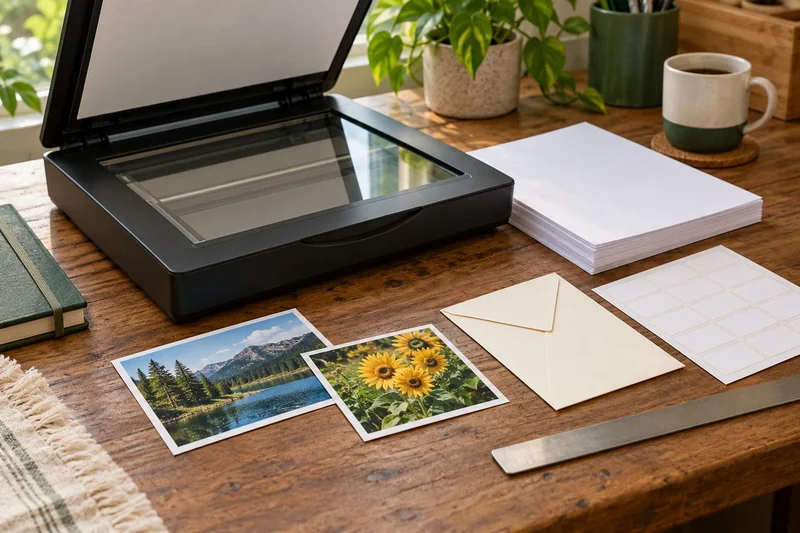
Short answer: GSM measures mass per area; thickness measures physical caliper. Check both when the printer specifies both, then verify paper type, size, feed source and print mode. A GSM conversion is not a compatibility test.
On this page
Apply the guide to your own configuration
Weight and caliper are distinct measurements. A heavy photo paper may also have a coating restricted to a particular technology or feed path, so record the stock product rather than approving it from weight alone.
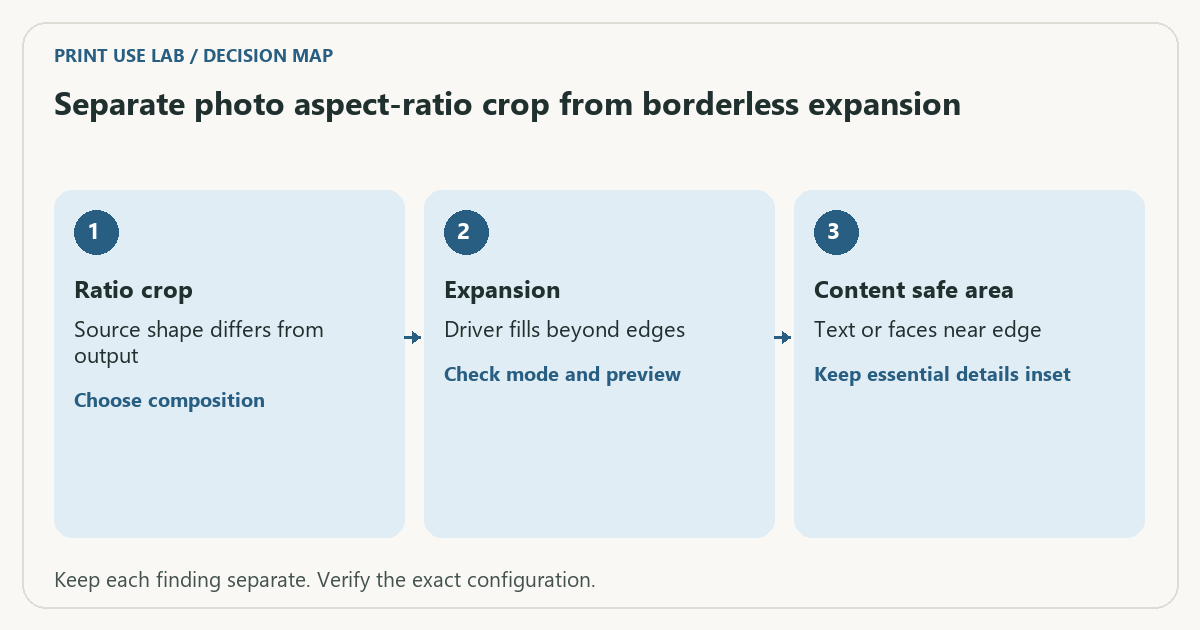
For a more specific worked case, read Separate photo aspect-ratio crop from borderless expansion. It includes an original diagram, a decision table and an editable record. Download its worksheet or open the print-job workbook.
Review note — October 21, 2026: Added this configuration check and the linked practical resource. Earlier documentary guidance remains below; no physical test has been added.
Research guide · Sources checked October 18, 2026. The procedures and examples below are planning aids, not results from a hands-on product test.
Read two different measurements
A pack labeled 200 gsm tells you how much a square meter of that stock weighs. It does not tell you a unique thickness. Different paper constructions, coatings and finishes can give sheets of the same mass different calipers and stiffness. A pound-weight label also needs its paper basis; avoid treating every “65 lb” stock as the same product.
In one Brother inkjet manual, the paper table lists separate weight and thickness limits and differentiates paper types and feed paths. This illustrates why you need the exact model’s table. Those figures are not a universal allowance for another Brother printer or another manufacturer.
Build a stock-to-printer evidence row
| Stock detail | Printer detail to verify |
|---|---|
| Product and finish | Explicitly supported media type |
| GSM or basis weight | Range for the chosen source and mode |
| Caliper in mm or mil | Thickness limit, if stated |
| Sheet dimensions | Supported width and length |
| Coating and intended technology | Inkjet/laser suitability and restrictions |
| Quantity and feed path | Single-sheet or stack-loading instructions |
If the paper pack lacks a thickness value, check the paper manufacturer’s data sheet. Do not fill the blank with an online generic GSM-to-thickness chart. If the printer does not publish a needed fact, leave it unknown and ask the manufacturer before buying a large pack.
Use a stop rule before a trial print
- Confirm the exact printer model and regional manual.
- Find the media table for the intended tray, including footnotes.
- Match size, type, weight, thickness and any coating restrictions.
- Check duplex restrictions separately; simplex support does not establish duplex support.
- Use the stated loading and driver media settings. Stop if the combination is unsupported or unclear.
Hypothetical example: a printer’s chosen feed path allows stock up to 0.25 mm and a candidate sheet is documented as 0.30 mm. A compatible-looking GSM value does not override the thickness failure. Do not force it through or try repeated feeds to establish support. This is an example using invented limits, not a specification for a named printer.
Troubleshoot the right variable
A skewed or incomplete print can involve alignment, margins or the wrong size setting, not only paper thickness. Keep a record of stock product, source, orientation, media setting and result. Change one documented setting at a time. If feeding stalls, follow the safe paper jam guide rather than pulling against the mechanism.
Use our paper size converter for dimensions and unit arithmetic. It cannot approve a stock. The cardstock guide covers the complete purchase decision; this article explains the specific weight-versus-caliper misunderstanding. For a reusable record, use the media compatibility checklist.
Sources and scope
- Brother: paper weight and thickness — Model-family example showing separate weight, thickness and manual-feed conditions.
Continue with your next check
Build on what you just learned
Your next useful step.
Proof the page, binding edge and reading order.
A filled PDF prints blank fields: check the saved file and print layers
Save and reopen the filled PDF, then inspect the print preview and the viewer’s form/comment options.
Read the guide →
Duplex printing: automatic, manual and binding-edge differences
Automatic duplex prints both sides without asking you to reload the sheet. Manual duplex requires a documented reinsertion step. Neither feature tells you whether…
Read the guide →