Answer: Check whether the device and printer can communicate on the intended local network. Sharing an internet connection or a similar Wi-Fi name does not establish local discovery.
On this page
Print Use Lab editorial project · Updated October 21, 2026 · Original decision framework and illustrative example. No physical product measurement or hands-on benchmark is claimed.
Why the distinction matters
Guest networks and client isolation can restrict communication between devices. Discovery may also behave differently across network segments. Keep the router’s security design intact while identifying the supported setup. Do not expose printer ports to the internet or disable a firewall broadly to make a test succeed. The right result is a documented local route consistent with the network owner’s policy.
A practical sequence
- Record the printer and client network names without publishing credentials.
- Check the router’s documentation for guest isolation and local-device access.
- Use an approved local network arrangement supported by the printer.
- Test discovery and then one harmless print job from the intended application.
Decision record
| Check | What it means | What to verify |
|---|---|---|
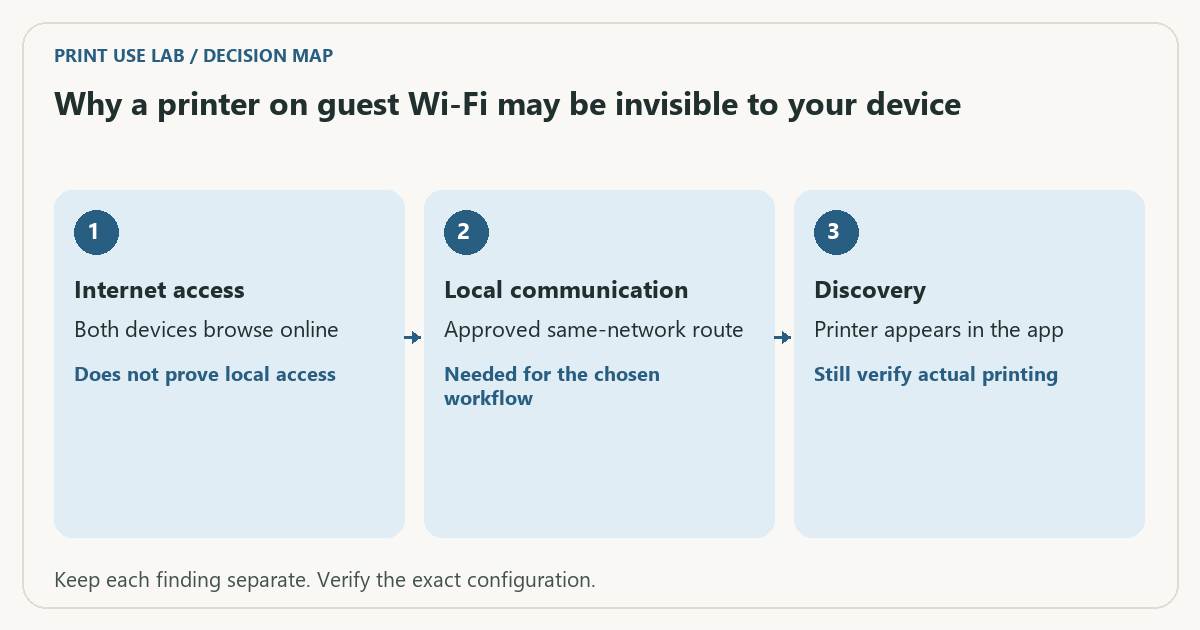
| Internet access | Both devices browse online | Does not prove local access |
| Local communication | Approved same-network route | Needed for the chosen workflow |
| Discovery | Printer appears in the app | Still verify actual printing |
Worked example
A hypothetical phone is on a guest SSID and the printer is on the main home network. Both can reach the internet, but the router intentionally prevents guest-to-main traffic. Re-entering the printer password repeatedly will not change that isolation policy.
Verify the result
Ask the network owner to approve any routing or access change. Use manufacturer and router instructions for the exact setup. Keep discovery failure separate from a printer that is discovered but rejects a particular job.
Download the editable CSV worksheet · Print-job workbook
Question and answer
Will switching to the same Wi-Fi band solve every case? No. The local network topology and isolation rules matter; band names alone do not establish reachability.
Sources and scope
- Apple: About AirPrint — AirPrint discovery and printer support. The exact printer and network still determine available features.
- Microsoft: printer connection and printing problems — Windows troubleshooting; available dialogs vary with Windows and driver version.
The decision sequence, diagrams, worksheet and worked case are our editorial work. AI assisted research, drafting and implementation. Official references support the named technical distinctions; examples do not establish real product performance.
Continue the task
- Wi-Fi printer setup: network, band and discovery checks
- Distinguish printer address changes from discovery problems
- Browse the complete resource library
Build on what you just learned
Your next useful step.
Separate the file, computer, network and device.
Windows printer drivers in 2026: what changed and what still works
Do not replace a working printer just because you read that Windows is ending legacy printer-driver servicing.
Read the guide →
Before enabling Windows protected print mode, test the workflows you need
Windows protected print mode is a security-focused change to the print path.
Read the guide →