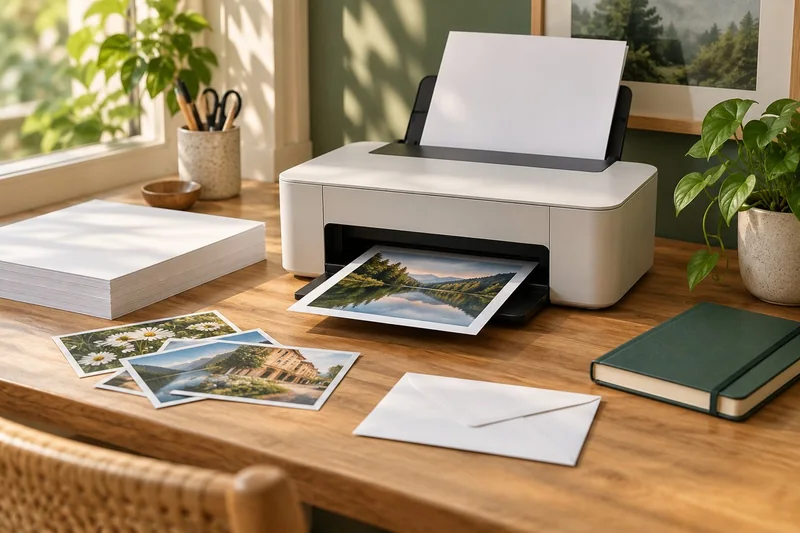
Answer: Record the document, stock, queue, application and settings with a successful proof. A named preset alone may omit the conditions that made the job work.
On this page
Print Use Lab editorial project · Updated October 21, 2026 · Original decision framework and illustrative example. No physical product measurement or hands-on benchmark is claimed.
Why the distinction matters
A reliable record helps when a task returns months later or moves to another computer. Use the stock product code, not merely “thick paper,” and distinguish document size from physical sheet size. Keep a sample proof or a reference photo where useful. Store the record locally without document contents, network passwords or unnecessary personal information.

A practical sequence
- Identify the job and its intended finished result.
- Record printer model, queue route, OS and application versions.
- Add stock, source, size, scale, media mode and duplex choices.
- Keep the accepted proof and update the record when a later change alters the result.
Decision record
| Check | What it means | What to verify |
|---|---|---|
| Identity | Document version and output purpose | Repeat the same task |
| Route | Printer, queue and application | Repeat the same path |
| Settings | Stock, scale and supported mode | Repeat the relevant controls |
Worked example
A hypothetical label job works through a desktop vendor queue at actual size. Months later, a phone finds the same printer through AirPrint but exposes fewer layout controls. The saved record explains why discovery of the same hardware does not reproduce the whole job.
Verify the result
Use the downloadable worksheet as a starting point and add only relevant fields. A successful proof is evidence for that configuration, not a blanket certification for every later OS release or paper product.
Download the editable CSV worksheet · Print-job workbook
Question and answer
Is a preset file enough? It can help, but retain readable settings and the printer/media identity. Presets may be local, version-dependent or incomplete.
Sources and scope
- Apple: About AirPrint — AirPrint discovery and printer support. The exact printer and network still determine available features.
- Adobe Acrobat: page sizing for print — Distinguishes scaling modes. Printer margins and supported media remain model-specific.
The decision sequence, diagrams, worksheet and worked case are our editorial work. AI assisted research, drafting and implementation. Official references support the named technical distinctions; examples do not establish real product performance.
Continue the task
- AirPrint compatibility: verify the model and the task
- Use a printer’s internal page to separate device and computer faults
- Browse the complete resource library
Build on what you just learned
Your next useful step.
Separate the file, computer, network and device.
Windows printer drivers in 2026: what changed and what still works
Do not replace a working printer just because you read that Windows is ending legacy printer-driver servicing.
Read the guide →
Before enabling Windows protected print mode, test the workflows you need
Windows protected print mode is a security-focused change to the print path.
Read the guide →