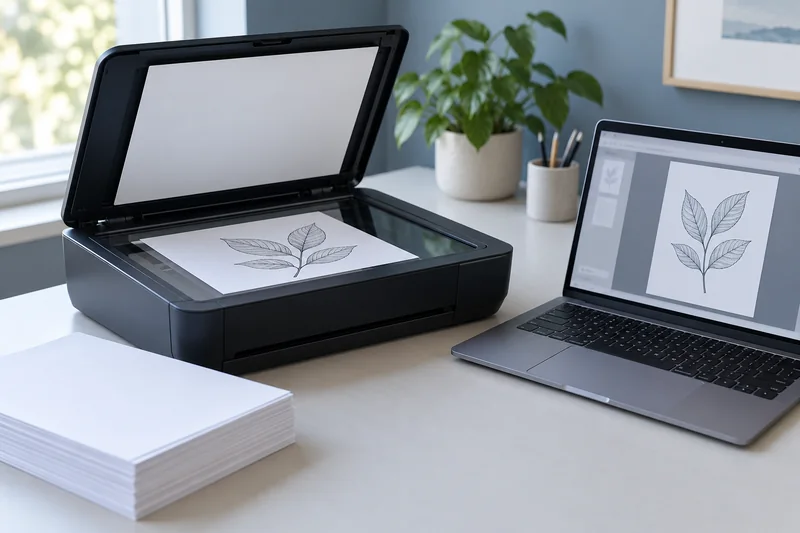
For a local scanner workflow producing searchable PDFs in several languages, I would test NAPS2 with the relevant OCR language packs. Choose the languages actually present and verify the output against the page image. Selecting more languages is not a substitute for a clear scan or a reliable reading order.
On this page
Our recommendation
I recommend NAPS2 as a candidate for a straightforward desktop OCR workflow, with a sample test before large batches. Keep image fidelity and text accuracy as separate acceptance checks.
Configure OCR before the batch
NAPS2 documents downloading OCR languages and enabling searchable PDF output. Its multiple-language choice appears after more than one language is installed. Check the selected languages before saving the batch, especially when a saved profile is reused for documents from a different source.
Prepare a representative sample with accented characters, numbers and the smallest useful text. Keep the original scan image available. OCR is a convenience layer; a search hit does not prove every number, name or symbol was recognised accurately.
Verify text and structure separately
Search for a distinctive phrase, copy a short passage and compare it with the image. Check amounts, dates and identifiers manually where errors matter. For columns or tables, inspect the copied order rather than assuming correct character recognition produces a useful reading sequence.
Save a short job record with scanner profile, languages and output settings. If a new document type performs poorly, change one factor at a time: capture quality, orientation, language selection or OCR mode. Avoid repeatedly rescanning a whole archive before a small sample shows an improvement.
A bilingual proof
Use a page containing an English heading, Spanish accents and a small numeric table. After OCR, search the accented term, copy one row and compare the decimal separator with the image. If text is recognisable but columns are mixed, preserve the scan and use a more appropriate extraction workflow rather than “correcting” the underlying image unnecessarily.
Before you act
- Download and select the languages actually needed.
- Check accents, identifiers and numeric punctuation.
- Verify copied reading order as well as search.
Use the Print-job workbook to apply the guide to your own setup.
Keep exploring
- Choose scan resolution by the smallest detail you need
- Verify an OCR PDF before relying on search or copied text
Sources and research notes
Research checked on 21 October 2026. Product specifications are manufacturer statements; examples and buying judgements are our analysis. No hands-on product test is implied.
Build on what you just learned
Your next useful step.
Capture every page, then verify the result.
Mopria printing and scanning: verify the exact function before buying
Check printing and scanning as separate functions in the certified-product information and the manufacturer’s current support material.
Read the guide →ADF vs duplex ADF: separate printing from two-sided scanning
Short answer: An automatic document feeder does not automatically scan both sides. Automatic print duplex is a separate feature. Confirm two-sided scanning for the…
Read the guide →