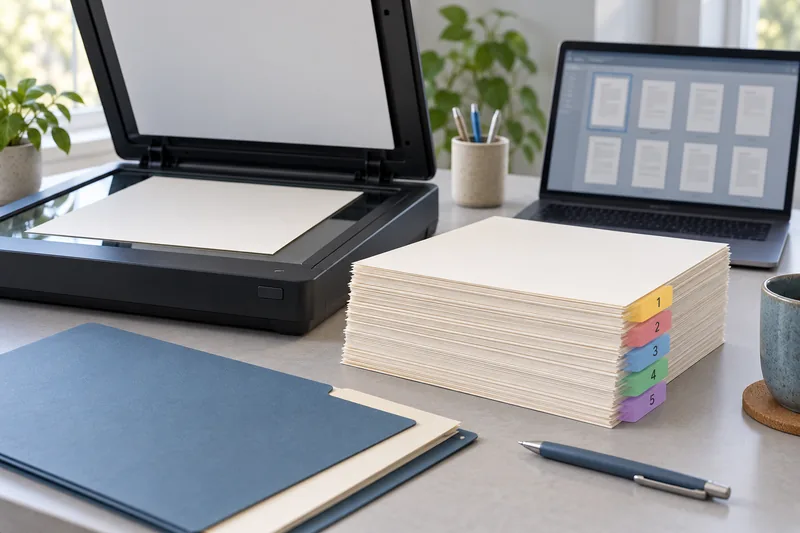
Check printing and scanning as separate functions in the certified-product information and the manufacturer’s current support material. I would not infer duplex feeder scanning from a Mopria print logo. An all-in-one can have a compatible print path while a particular scan workflow remains unavailable.
On this page
Our recommendation
I would buy the model whose required print and scan jobs are documented or demonstrated, even if a cheaper model carries a similar connectivity badge. The badge narrows the search; the workflow test closes it.
Search the exact model
Mopria’s certified-product database lets you search by manufacturer, product type and product name. Use the complete regional model identifier rather than a family nickname. Microsoft’s protected-print guidance explicitly warns that some compatible printers have scanners unavailable through that mode.
Keep a record of the function you verified and the date. A shop’s short description may collapse several technologies into one “mobile compatible” label. Distinguish printing from scanning, and distinguish single-page flatbed scanning from a two-sided feeder workflow.
Prove the task end to end
Prepare a two-sided numbered sheet if duplex scanning is required. Capture it through the intended app on the intended computer or phone. Check that both sides appear, the order is correct and the output format is usable. Printing the same sheet successfully is not a substitute for this test.
Check connection requirements too. A scan function available on the local network may differ from a USB or cloud workflow. If a policy restricts cloud use, make that part of the purchase gate rather than discovering it after setup.
A function-specific buying record
“Model X: local network print verified; flatbed scan verified; feeder duplex scan not yet confirmed.” This is a useful shortlist entry. Writing only “Mopria: yes” would hide the unresolved requirement and make two non-equivalent devices look interchangeable.
Before you act
- Use the exact regional model.
- Verify print and scan functions separately.
- Test both sides and page order when a feeder matters.
Use the Print-job workbook to apply the guide to your own setup.
Keep exploring
- ADF vs duplex ADF: separate printing from two-sided scanning
- Check page order and both sides in a multi-page scan
Sources and research notes
Research checked on 21 October 2026. Product specifications are manufacturer statements; examples and buying judgements are our analysis. No hands-on product test is implied.
Build on what you just learned
Your next useful step.
Capture every page, then verify the result.
ADF vs duplex ADF: separate printing from two-sided scanning
Short answer: An automatic document feeder does not automatically scan both sides. Automatic print duplex is a separate feature. Confirm two-sided scanning for the…
Read the guide →Microsoft Lens is retired: choose a replacement scan workflow in 2026
Do not build a new scanning routine around Microsoft Lens in late 2026.
Read the guide →