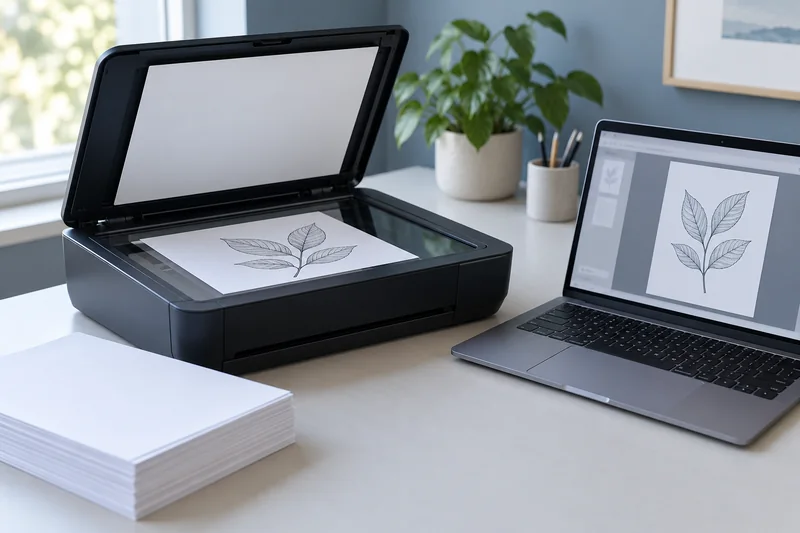
Answer: Use a numbered, non-sensitive proof stack to verify the feeder’s order, side handling and final file. A scan preview is an intermediate step; reopen the saved result.
On this page
Print Use Lab editorial project · Updated October 21, 2026 · Original decision framework and illustrative example. No physical product measurement or hands-on benchmark is claimed.
Why the distinction matters
A feeder can scan one or both sides, and the application can reorder, omit blank pages or save multiple files. These settings interact with loading direction. A missing reverse side can be invisible if you only count sheets rather than expected page images. Start with the exact model’s supported document types and loading instructions.

A practical sequence
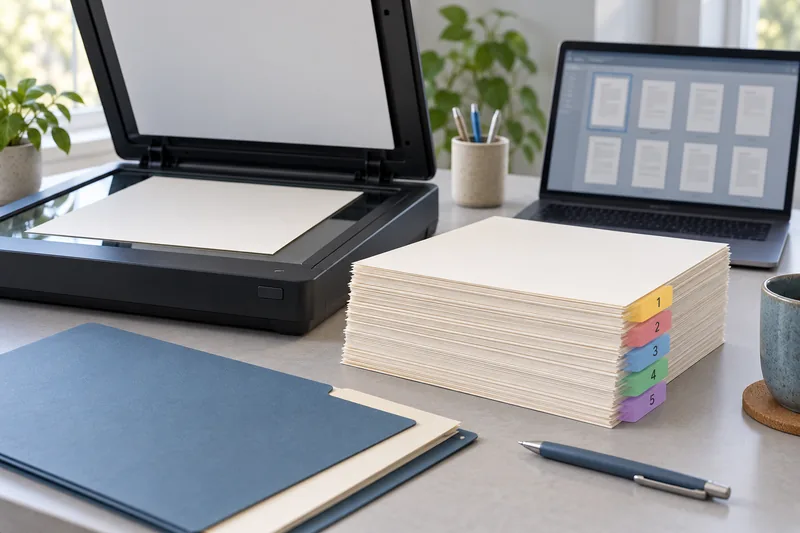
- Create a small proof stack with numbered fronts and backs and clear top arrows.
- Record the feeder and application settings, including blank-page removal.
- Scan through the documented loading route.
- Reopen the saved file and verify sequence, both sides, orientation and file count.
Decision record
| Check | What it means | What to verify |
|---|---|---|
| Physical sheets | Items loaded | Not the same as page images |
| Expected pages | Fronts and required backs | Basis for count check |
| Saved output | PDFs or image files | Verify after saving |
Worked example
Five hypothetical sheets with content on both sides require ten page images. A five-page result may indicate simplex acquisition, missing reverses or a file split. It does not become a complete scan merely because all five physical sheets passed through the feeder.
Verify the result
Repeat the proof after changing applications or duplex settings. Check that blank-page removal does not drop faint content needed by the task. Handle mixed sizes or fragile originals only as the manual permits.
Download the editable CSV worksheet · Print-job workbook
Question and answer
Does a duplex printer necessarily have duplex scanning? No. Printing and scanning mechanisms are separate features. Verify the feeder’s documented side handling.
Sources and scope
- Epson: ET-2850 user guide — Use the matching model and regional manual for loading, maintenance and scanning details.
The decision sequence, diagrams, worksheet and worked case are our editorial work. AI assisted research, drafting and implementation. Official references support the named technical distinctions; examples do not establish real product performance.
Continue the task
- ADF vs duplex ADF: separate printing from two-sided scanning
- A line appears only in feeder scans: compare the acquisition paths
- Browse the complete resource library
Build on what you just learned
Your next useful step.
Capture every page, then verify the result.
Mopria printing and scanning: verify the exact function before buying
Check printing and scanning as separate functions in the certified-product information and the manufacturer’s current support material.
Read the guide →ADF vs duplex ADF: separate printing from two-sided scanning
Short answer: An automatic document feeder does not automatically scan both sides. Automatic print duplex is a separate feature. Confirm two-sided scanning for the…
Read the guide →