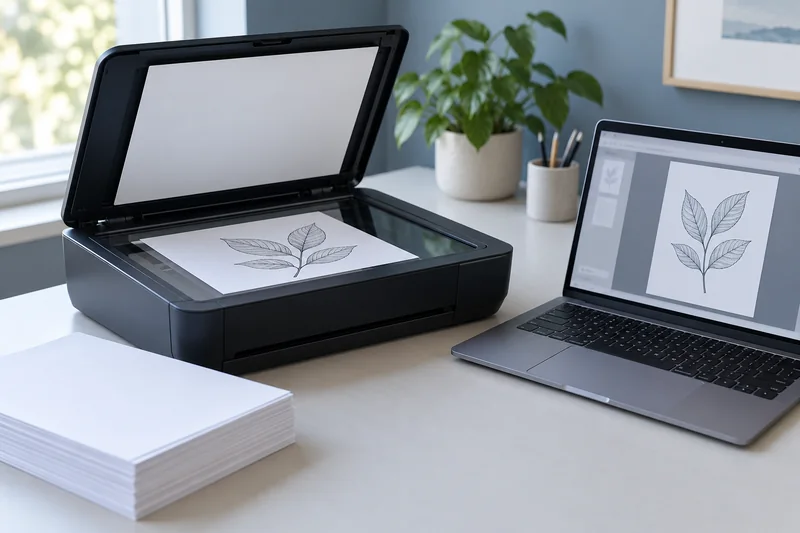
Answer: Start with the document’s purpose, then compare a small representative scan at two suitable settings. Higher sampling resolution increases pixels but does not guarantee better recognition or useful detail.
On this page
Print Use Lab editorial project · Updated October 21, 2026 · Original decision framework and illustrative example. No physical product measurement or hands-on benchmark is claimed.
Why the distinction matters
Text search, a reading copy and image reproduction are different tasks. Scan resolution, color mode, compression and page dimensions all affect the resulting file. OCR adds a text layer after image acquisition and must be checked separately. Use a non-sensitive sample when testing a new app or cloud workflow, and avoid transmitting private documents just to compare file sizes.

A practical sequence
- Identify the smallest text or image detail that needs to remain useful.
- Scan one representative page at two supported resolutions using the same area and mode.
- Compare legibility and, if needed, OCR accuracy at the intended viewing scale.
- Choose a setting that meets the task and record compression and color mode too.
Decision record
| Check | What it means | What to verify |
|---|---|---|
| Resolution | Samples per inch | Pixel dimensions |
| Color mode | Mono, grayscale or color | Information retained |
| Compression | Codec and quality setting | File size and artifacts |
Worked example
A 8.5 × 11 inch page sampled at 300 pixels per inch has about 2550 × 3300 pixels, or 8.415 million samples per channel. At 600, each axis doubles and pixel count quadruples. The final compressed PDF size will not necessarily quadruple because compression and content also matter.
Verify the result
Retain the source scan until the output is verified. Do not rescan an entire batch merely because another setting has a larger number; test whether it fixes a real deficiency.
Download the editable CSV worksheet · Print-job workbook
Question and answer
Does a searchable PDF prove the scan is accurate? No. It proves a text layer exists. Check recognition, page order and image legibility.
Sources and scope
- Epson: ET-2850 user guide — Use the matching model and regional manual for loading, maintenance and scanning details.
The decision sequence, diagrams, worksheet and worked case are our editorial work. AI assisted research, drafting and implementation. Official references support the named technical distinctions; examples do not establish real product performance.
Continue the task
- Scan to a searchable PDF: capture, OCR and verification
- Verify an OCR PDF before relying on search or copied text
- Browse the complete resource library
Build on what you just learned
Your next useful step.
Capture every page, then verify the result.
Mopria printing and scanning: verify the exact function before buying
Check printing and scanning as separate functions in the certified-product information and the manufacturer’s current support material.
Read the guide →ADF vs duplex ADF: separate printing from two-sided scanning
Short answer: An automatic document feeder does not automatically scan both sides. Automatic print duplex is a separate feature. Confirm two-sided scanning for the…
Read the guide →