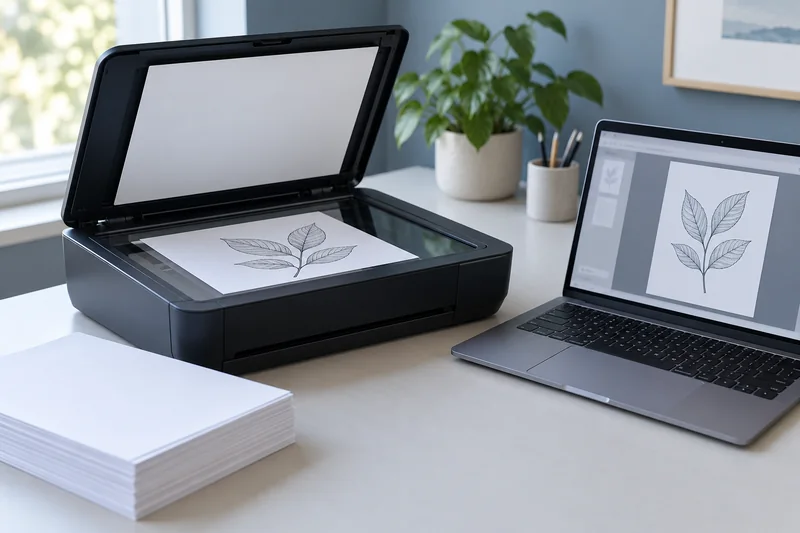
Answer: Check the page images and the recognized text independently. Use names, numbers and punctuation from a representative page to expose errors that a successful search alone can miss.
On this page
Print Use Lab editorial project · Updated October 21, 2026 · Original decision framework and illustrative example. No physical product measurement or hands-on benchmark is claimed.
Why the distinction matters
OCR can preserve a readable image while attaching an inaccurate text layer. Skew, small text, background patterns and language settings may change recognition. Decide whether you need basic search or faithful extraction. For important records, preserve the original image and verify the required content directly rather than treating OCR as an authoritative transcription.

A practical sequence
- Open the saved PDF and inspect page count, orientation and visible completeness.
- Search a known phrase from the beginning, middle and end of the document.
- Copy a small sample containing numbers, punctuation and unusual names into a local text view.
- Correct through the application’s supported workflow or retain a clear note about unresolved recognition limits.
Decision record
| Check | What it means | What to verify |
|---|---|---|
| Image | Every page readable and complete | Visual record |
| Text layer | Search and copied sample | Recognition check |
| Structure | Order, orientation and duplicates | Document usability |
Worked example
A hypothetical invoice image shows 108.50 while copied OCR text reads 10B.50. A search for the supplier’s name can succeed while that numeric field is wrong. The correct next action is verification against the image, not assuming that “searchable” means accurate.
Verify the result
Keep sensitive tests local when the app supports it. Know whether the chosen OCR service uploads documents. Preserve the original capture so corrections can be reviewed later.
Download the editable CSV worksheet · Print-job workbook
Question and answer
Can I discard the image after OCR? Retain the source according to the purpose and applicable record requirements. An unverified text layer may omit or misread content.
Sources and scope
- Epson: ET-2850 user guide — Use the matching model and regional manual for loading, maintenance and scanning details.
The decision sequence, diagrams, worksheet and worked case are our editorial work. AI assisted research, drafting and implementation. Official references support the named technical distinctions; examples do not establish real product performance.
Continue the task
- ADF vs flatbed: choose the scanner workflow you need
- Check page order and both sides in a multi-page scan
- Browse the complete resource library
Build on what you just learned
Your next useful step.
Capture every page, then verify the result.
Mopria printing and scanning: verify the exact function before buying
Check printing and scanning as separate functions in the certified-product information and the manufacturer’s current support material.
Read the guide →ADF vs duplex ADF: separate printing from two-sided scanning
Short answer: An automatic document feeder does not automatically scan both sides. Automatic print duplex is a separate feature. Confirm two-sided scanning for the…
Read the guide →