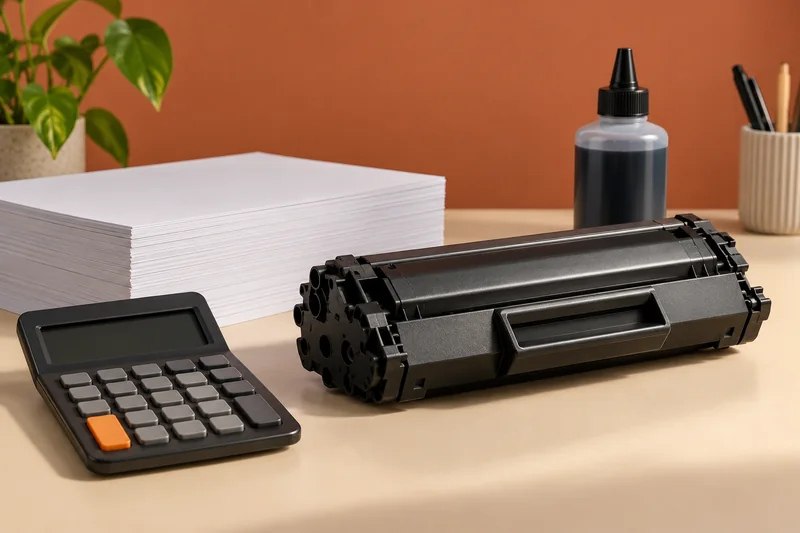
Before cancelling, identify whether the installed supplies are subscription cartridges and obtain the correct ordinary retail replacements. I would plan the change around the account’s stated end date, then test a small job. Ink remaining in a subscription cartridge does not mean it remains usable after the subscription ends.
On this page
Our recommendation
I would cancel or retain the service based on the real page pattern and terms, with replacement supplies planned first. A service that suits regular colour printing may be poor value for long periods of inactivity.
Separate the service from the printer
HP states that Instant Ink subscription cartridges stop working after cancellation takes effect even when they are not empty. That is different from an ordinary purchased cartridge. Check the current account terms and billing date for your region rather than relying on a remembered trial period.
HP+ is a separate choice with its own requirements. Cancelling Instant Ink does not necessarily remove HP+ conditions from the device. Record the printer’s exact model and enrolments before deciding what supplies to buy next.
Make the transition a small job
Check the replacement supply code, region and compatibility through the manufacturer’s current support information. Have an appropriate retail set available before a deadline. Keep subscription returns separate and follow the account’s return instructions. Do not assume a factory reset cancels billing or changes supply eligibility.
After the change, print a short representative document and check status messages. If printing remains blocked, record the exact error and whether it concerns the subscription, account connection or cartridge recognition. Those are different troubleshooting paths and should not be collapsed into “the ink is full”.
A deadline-aware change
If you must print a document on Monday and the subscription ends over the weekend, obtain the verified retail supplies and test them before relying on Monday’s job. Compare the ongoing retail cost with the service using your actual monthly volume. An unusually busy month should not be treated as the normal year-round print demand.
Before you act
- Identify subscription versus retail supplies.
- Check the effective cancellation date privately in the account.
- Test the replacement route before an important job.
Use the Monthly printing cost estimator to apply the guide to your own setup.
Keep exploring
- Ink and toner compatibility: supply codes, region and yield
- Cost per page methodology: yields, color and ownership costs
Sources and research notes
Research checked on 21 October 2026. Product specifications are manufacturer statements; examples and buying judgements are our analysis. No hands-on product test is implied.
Build on what you just learned
Your next useful step.
Compare supplies, volume and rejected pages.
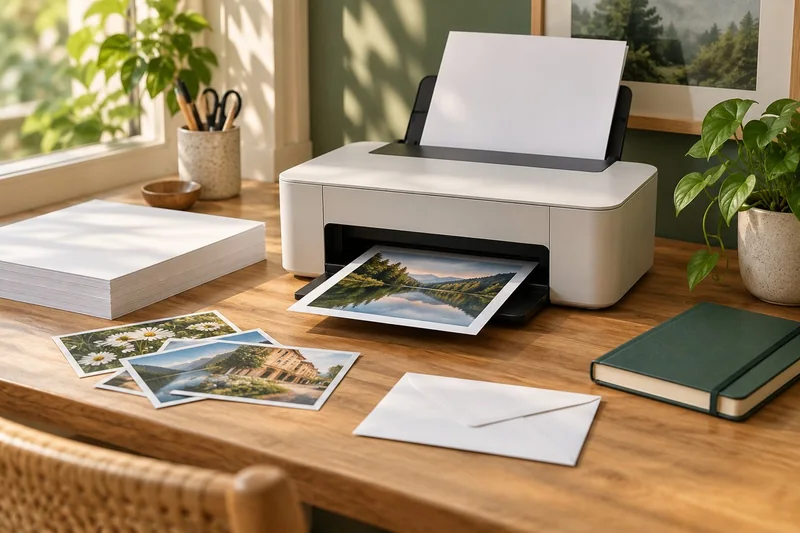
Epson EcoTank ET-2950: a sensible shortlist for regular mixed home printing
I would shortlist the ET-2950 for a household that prints colour documents regularly and wants automatic A4 duplex printing with refillable tanks.
Read the guide →Cost per page methodology: yields, color and ownership costs
Begin with the supplies price divided by the matching declared yield, then explain the scope. That quotient is a planning baseline, not a promise…
Read the guide →