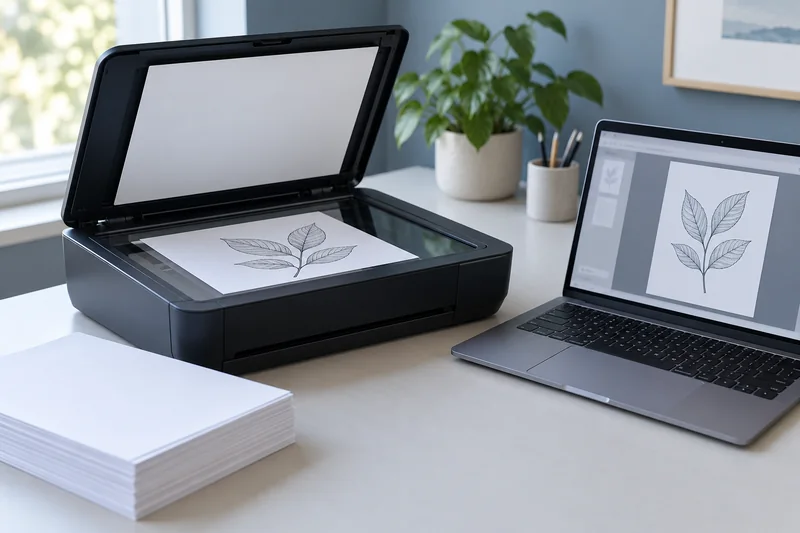
Answer: Treat copying, scanning and computer printing as separate paths. Compare a saved digital scan, a device copy and a simple print before changing supplies or software.
On this page
Print Use Lab editorial project · Updated October 21, 2026 · Original decision framework and illustrative example. No physical product measurement or hands-on benchmark is claimed.
Why the distinction matters
A copy combines acquisition and printing, so a bad copy alone does not locate the problem. A digital scan removes the print stage from the observation; an internal page removes the computer application. Keep the test original and paper simple and supported. Avoid private or valuable originals when establishing a new workflow.
A practical sequence
- Inspect the original and make a saved scan, reopening the actual file.
- Print a simple known-good document through the intended queue.
- Use the manual’s internal page or report where appropriate.
- Compare with a copy and follow the troubleshooting branch supported by the observations.
Decision record
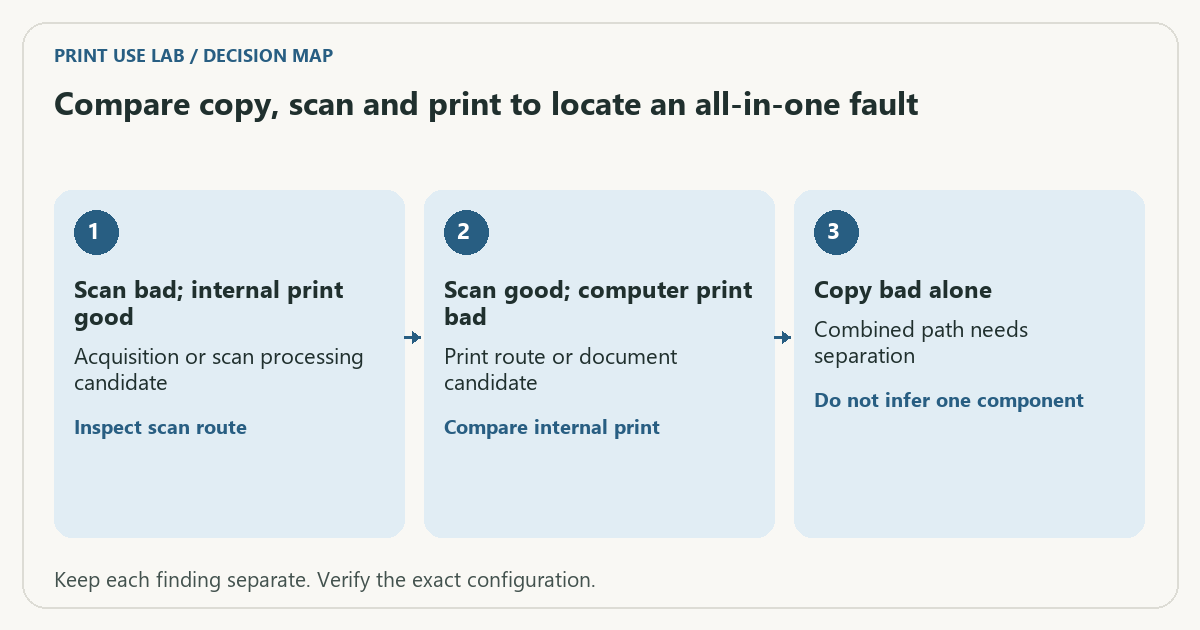
| Check | What it means | What to verify |
|---|---|---|
| Scan bad; internal print good | Acquisition or scan processing candidate | Inspect scan route |
| Scan good; computer print bad | Print route or document candidate | Compare internal print |
| Copy bad alone | Combined path needs separation | Do not infer one component |
Worked example
A hypothetical blank copy accompanies a normal saved scan and a blank internal printer page. That pattern keeps the print stage under investigation; it does not support an OCR reinstall. Conversely, a blank saved scan with a normal internal page points toward a different route.
Verify the result
Record actual outcomes rather than a broad “printer broken” label. The matrix narrows the next check and is not a definitive hardware diagnosis. Stop at the model’s service boundary.
Download the editable CSV worksheet · Print-job workbook
Question and answer
Does a successful copy prove computer printing works? No. Copying can bypass the computer queue, connection and application.
Sources and scope
- Epson: ET-2850 user guide — Use the matching model and regional manual for loading, maintenance and scanning details.
- Microsoft: printer connection and printing problems — Windows troubleshooting; available dialogs vary with Windows and driver version.
The decision sequence, diagrams, worksheet and worked case are our editorial work. AI assisted research, drafting and implementation. Official references support the named technical distinctions; examples do not establish real product performance.
Continue the task
- Printer prints blank pages: file, supply or output problem?
- Store printer paper so the next feed test remains meaningful
- Browse the complete resource library
Build on what you just learned
Your next useful step.
Capture every page, then verify the result.
Mopria printing and scanning: verify the exact function before buying
Check printing and scanning as separate functions in the certified-product information and the manufacturer’s current support material.
Read the guide →ADF vs duplex ADF: separate printing from two-sided scanning
Short answer: An automatic document feeder does not automatically scan both sides. Automatic print duplex is a separate feature. Confirm two-sided scanning for the…
Read the guide →