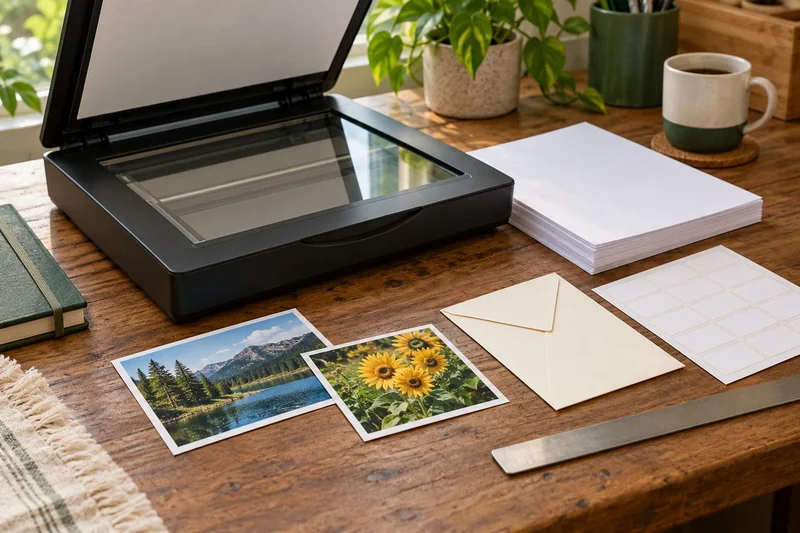
Validate the claimed PDF/A format and separately inspect the scanned pages and OCR. I would not accept a file solely because an application labels it “archival”. A conforming container can still hold a cropped, blurred or incorrectly ordered scan.
On this page
Our recommendation
I recommend a two-part acceptance record: technical conformance and human content review. Use both when the destination requires a specific preservation format, without treating either as a substitute for the other.
Understand what the validator checks
veraPDF implements rule-based checks for PDF/A and other supported conformance profiles. Its documentation also distinguishes machine-verifiable checks from human checks in accessibility validation. Choose the profile required by the recipient and retain the validation result for the exact delivered file.
Do not change a file extension or metadata label and assume conformance follows. If a validator reports failures, read the relevant rule and the tool’s supported remediation guidance. A format pass is evidence about the checked rules, not about the truth or completeness of the document content.
Add a document acceptance review
Count pages and compare them with the source. Check both sides, margins, small text, orientation and any folded or unusually sized material. Search and copy a sample of OCR text, including numbers and punctuation. Open the result in the intended reader.
Keep a source record and a clear version identity. If the file is compressed, redacted or edited after validation, validate the actual final output again when conformance matters. A report for an earlier version should not be attached to a different file as if they were identical.
Two independent outcomes
A ten-page PDF passes its selected PDF/A profile, but page seven is missing from the scan and page eight appears twice. The format result can still be useful, while the document fails the completeness check. Correct the capture or assembly, then validate the corrected final file rather than discarding the distinction between the two tests.
Before you act
- Use the recipient’s required profile.
- Check page completeness and readability separately.
- Validate the exact final version after relevant edits.
Use the Print-job workbook to apply the guide to your own setup.
Keep exploring
- Check page order and both sides in a multi-page scan
- Verify an OCR PDF before relying on search or copied text
Sources and research notes
Research checked on 21 October 2026. Product specifications are manufacturer statements; examples and buying judgements are our analysis. No hands-on product test is implied.
Build on what you just learned
Your next useful step.
Capture every page, then verify the result.
Mopria printing and scanning: verify the exact function before buying
Check printing and scanning as separate functions in the certified-product information and the manufacturer’s current support material.
Read the guide →
ADF vs duplex ADF: separate printing from two-sided scanning
Short answer: An automatic document feeder does not automatically scan both sides. Automatic print duplex is a separate feature. Confirm two-sided scanning for the…
Read the guide →