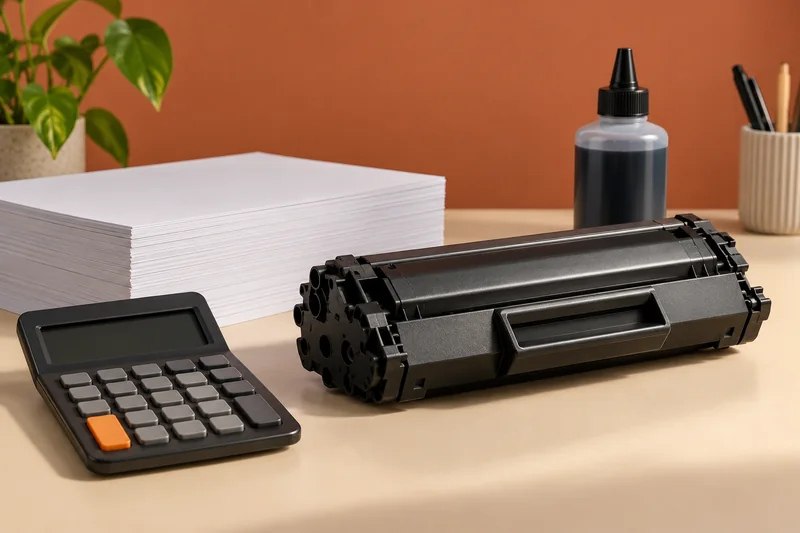
For a home office that mainly prints black text and already has a scanning solution, I would put the HL-L2445DW on the shortlist. Its print-only design is a deliberate trade-off. I would not choose it for colour diagrams, photographs or a workflow that needs an integrated scanner.
On this page
Our recommendation
I would choose this kind of mono print-only machine for regular black-text work when scanning is already covered. For mixed colour and document capture, compare an appropriately equipped all-in-one instead of adding workarounds after purchase.
The useful specification
Brother’s UK listing describes a mono A4 laser with automatic two-sided printing, Ethernet, Wi-Fi and USB. It uses separate toner and drum units. The listed inbox toner is a declared 1,200-page supply and the high-yield replacement is declared at 3,000 pages under the stated test assumptions. Those yields are not guarantees for every document.
Regional model suffixes and supplies matter. Check the exact device sold in your market and the matching toner codes. Do not assume a similarly named model has the same network ports, inbox supply or subscription offer.
Budget the task it will actually do
Compare the delivered printer price, replacement toner, drum allowance and paper over the expected ownership period. Keep promotional subscription trials separate from the ordinary purchase comparison. Read the terms before choosing a supply service; an offer should not hide the ongoing cost.
Use an acceptance proof with small text, a duplex page and the paper you normally buy. Check the working depth and output access on the intended desk. For long jobs, compare the relevant two-sided throughput rather than treating the one-sided headline speed as the job completion time.
A fair comparison
If one candidate costs less initially but includes a smaller starter supply, calculate the first replacement point before calling it cheaper. Add the drum separately where applicable and use the same annual page volume on both sides. A hypothetical 1,500-page year is not equivalent to comparing one model at 500 pages and another at its maximum advertised yield.
Before you act
- Check the exact regional suffix and toner codes.
- Include the separate drum in ownership costs.
- Test duplex output and the real desk footprint.
Use the Cost per page calculator to apply the guide to your own setup.
Keep exploring
Sources and research notes
Research checked on 21 October 2026. Product specifications are manufacturer statements; examples and buying judgements are our analysis. No hands-on product test is implied.
Build on what you just learned
Your next useful step.
Compare supplies, volume and rejected pages.
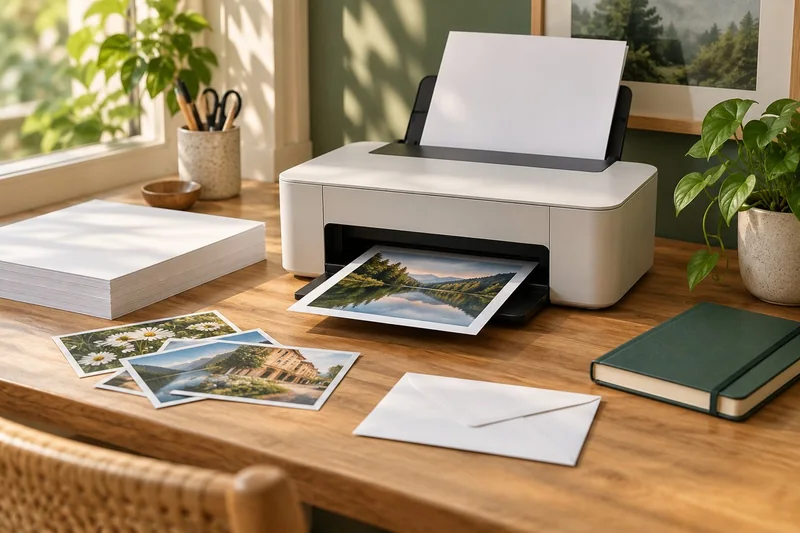
Epson EcoTank ET-2950: a sensible shortlist for regular mixed home printing
I would shortlist the ET-2950 for a household that prints colour documents regularly and wants automatic A4 duplex printing with refillable tanks.
Read the guide →Cost per page methodology: yields, color and ownership costs
Begin with the supplies price divided by the matching declared yield, then explain the scope. That quotient is a planning baseline, not a promise…
Read the guide →