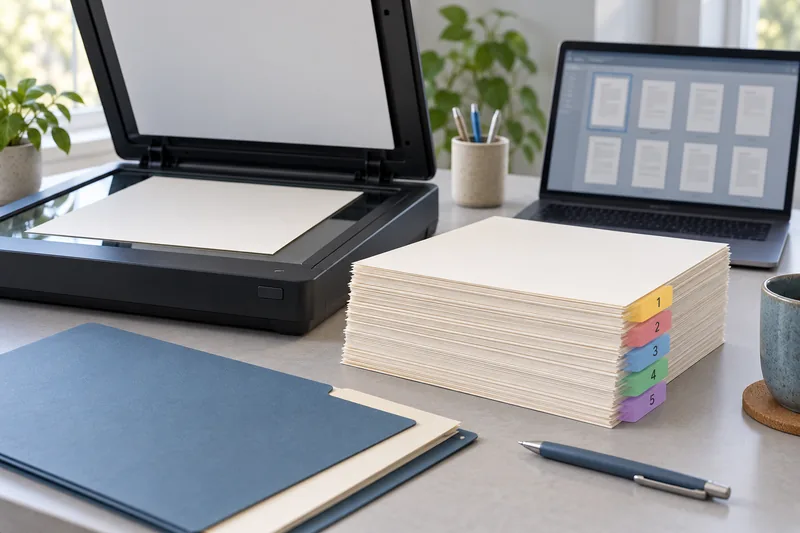
Keep the source, compress a copy and test both page readability and the searchable text layer afterwards. I would reduce a file only as far as the destination requires. The smallest PDF is not the best result if it makes fine print unreadable or turns searchable pages into images only.
On this page
Our recommendation
I would optimise for the smallest acceptable file under a defined constraint, with a preserved source and an explicit post-compression check. For very large documents, an agreed split can be better than destructive compression.
Define the output constraint
Record the maximum file size, required page dimensions and whether OCR, annotations or format conformance must remain. A portal upload limit is a concrete target; “make it smaller” is not. Avoid sending a personal document to an unknown online compressor merely because it is convenient.
Choose a representative page with small text, a signature or a detailed diagram for the first test. Keep the original scan and its current text layer. A reduction that works on a simple cover page may fail on dense pages later in the document.
Compare before and after
Open the compressed copy at a useful reading zoom and inspect the smallest required detail. Search a phrase from the beginning, middle and end, then copy a short passage and compare it with the page. Check page count, orientation and any required comments or form fields.
If the result needs a particular PDF/A profile, validate the final copy after compression. Keep the accepted settings and file identity in the job record. Avoid repeated lossy recompression of the same output; return to the preserved source when trying a different setting.
A size-limited submission
A hypothetical 18 MB scan must fit a 10 MB limit. Produce one candidate from the source, inspect a dense page and verify OCR on three pages. If the result is 9.5 MB and passes the required checks, stop. There is no benefit in pushing it to 2 MB if the extra reduction degrades details needed by the reader.
Before you act
- Write down the real size and feature requirements.
- Inspect fine detail and OCR separately.
- Revalidate required conformance on the final file.
Use the Print-job workbook to apply the guide to your own setup.
Keep exploring
- Choose scan resolution by the smallest detail you need
- Verify an OCR PDF before relying on search or copied text
Sources and research notes
Research checked on 21 October 2026. Product specifications are manufacturer statements; examples and buying judgements are our analysis. No hands-on product test is implied.
Build on what you just learned
Your next useful step.
Capture every page, then verify the result.
Mopria printing and scanning: verify the exact function before buying
Check printing and scanning as separate functions in the certified-product information and the manufacturer’s current support material.
Read the guide →
ADF vs duplex ADF: separate printing from two-sided scanning
Short answer: An automatic document feeder does not automatically scan both sides. Automatic print duplex is a separate feature. Confirm two-sided scanning for the…
Read the guide →