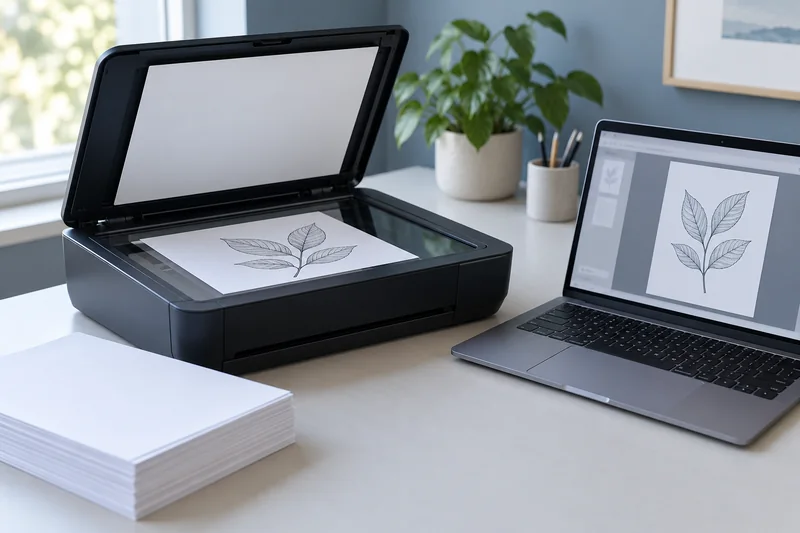
Capture thermal receipts promptly and check the image and extracted fields before relying on the digital copy. I would use the scanner’s supported receipt path or a suitable flatbed workflow. A successfully created PDF can still omit the faint total, cut off the date or misread a decimal separator.
On this page
Our recommendation
I favour prompt capture, readable full-page images and targeted field verification over a “scan and forget” promise. Use automation to reduce sorting work, while keeping a review step for the values that matter.
Choose a supported capture path
Epson’s cited scanner guide advises scanning thermal receipts as soon as possible. Use the document limits and handling instructions for your exact scanner, especially for thin, long, curled or damaged originals. Do not assume every feeder accepts a narrow receipt or an attached label.
Keep the entire required area visible, including the top and bottom. Avoid aggressive image enhancement that removes faint characters. Compare a plain capture with the enhanced result on a small sample before processing a batch.
Check the fields that will be used
Inspect merchant, date, amount, currency and any identifier needed for the task. Compare OCR with the image, including decimal and thousands separators. Keep uncertain fields flagged for manual review rather than allowing a confident-looking table to hide a recognition error.
Use a consistent filename and storage location, and keep the original according to the requirements that apply to your situation. A scanning workflow does not itself determine whether a digital copy satisfies a particular retention or submission rule; check the recipient’s requirements separately.
A useful acceptance record
A receipt image shows 18.90, but OCR returns 1890. Preserve the readable image and correct the extracted field in the downstream record with a review note. Rescanning the entire batch is unnecessary if the capture is clear and the failure is only the recognition or data-entry layer.
Before you act
- Use the scanner’s supported size and paper path.
- Check faint text before discarding a capture.
- Verify amount, date and numeric punctuation manually.
Use the Print-job workbook to apply the guide to your own setup.
Keep exploring
- ADF vs flatbed: choose the scanner workflow you need
- Verify an OCR PDF before relying on search or copied text
Sources and research notes
Research checked on 21 October 2026. Product specifications are manufacturer statements; examples and buying judgements are our analysis. No hands-on product test is implied.
Build on what you just learned
Your next useful step.
Capture every page, then verify the result.
Mopria printing and scanning: verify the exact function before buying
Check printing and scanning as separate functions in the certified-product information and the manufacturer’s current support material.
Read the guide →ADF vs duplex ADF: separate printing from two-sided scanning
Short answer: An automatic document feeder does not automatically scan both sides. Automatic print duplex is a separate feature. Confirm two-sided scanning for the…
Read the guide →