Choose the capture path for the originals you own. Then verify page order, scan area, software support and the file you need to deliver. A PDF option does not promise searchable text.
Separate the features
- Glass dimensions and permitted originals.
- ADF size, condition and capacity limits.
- Simplex or duplex feeder method.
- Supported scan app, OS and destination.
- OCR availability and a verified text layer.
The guides below treat scan duplex separately from print duplex and explain how to validate a multi-page result without uploading private documents just for a test.
Practical guides
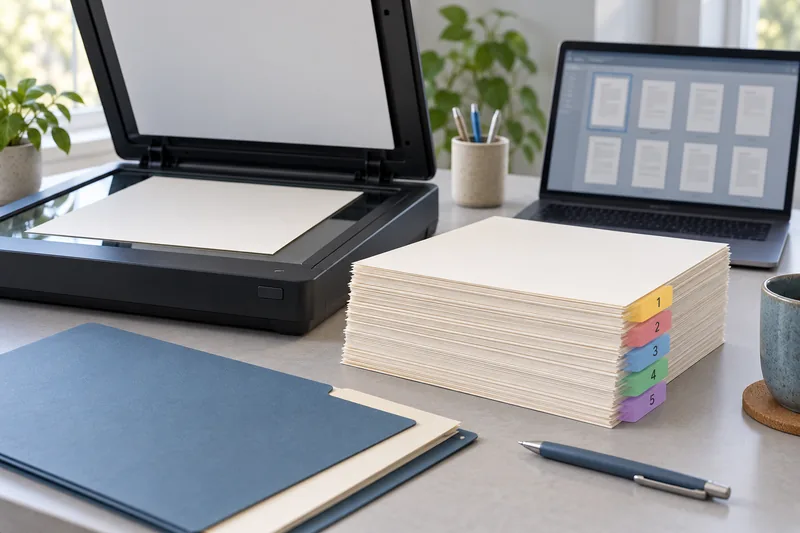
Scan a bound page without forcing the spine flat
If the binding will not open comfortably, choose a capture method that supports it rather than pressing harder on the scanner lid.
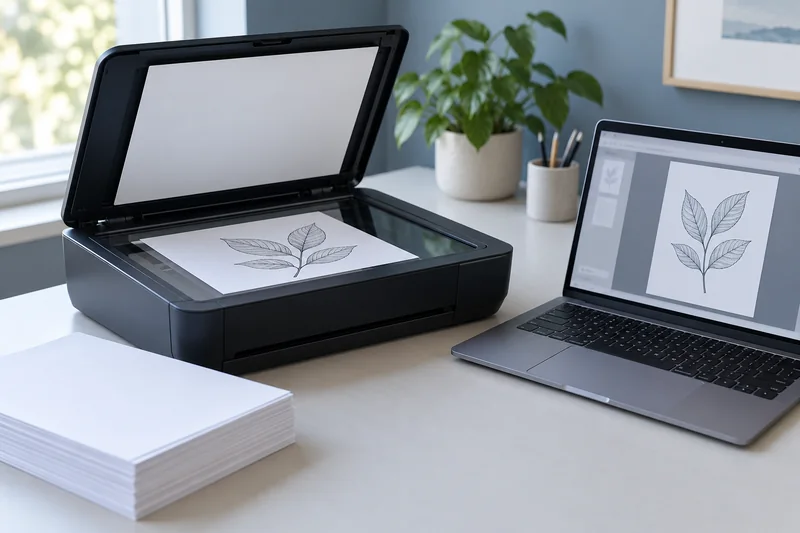
ADF vs duplex ADF: does the scanner capture both sides?
Separate automatic document feeding, duplex printing and two-sided scanning. Use a labelled five-sheet check to find missing or inverted backs.
USB printing works but scanning fails: check the separate workflow
Printing and scanning use different software paths. Confirm the scanner’s exact connection and supported application rather than treating a successful print as proof that scanning
Choose scan resolution by the smallest detail you need
Start with the document’s purpose, then compare a small representative scan at two suitable settings. Higher sampling resolution increases pixels but does not guarantee better
Verify an OCR PDF before relying on search or copied text
Check the page images and the recognized text independently. Use names, numbers and punctuation from a representative page to expose errors that a successful search
Check page order and both sides in a multi-page scan
Use a numbered, non-sensitive proof stack to verify the feeder’s order, side handling and final file. A scan preview is an intermediate step; reopen the
A line appears only in feeder scans: compare the acquisition paths
Compare the same permitted original through the flatbed and feeder where supported. A defect confined to one path narrows the investigation, but follow the model’s
Mopria printing and scanning: verify the exact function before buying
Check printing and scanning as separate functions in the certified-product information and the manufacturer’s current support material.
Microsoft Lens is retired: choose a replacement scan workflow in 2026
Do not build a new scanning routine around Microsoft Lens in late 2026.
NAPS2 mixed-language OCR: select the languages, then check the result
For a local scanner workflow producing searchable PDFs in several languages, I would test NAPS2 with the relevant OCR language packs.
A black rectangle is not a redaction: prepare a PDF for sharing
Use a real redaction function, apply the redactions and inspect the saved sharing copy.
PDF/A validation does not prove a scan is complete or readable
Validate the claimed PDF/A format and separately inspect the scanned pages and OCR.
Compress a scanned PDF without silently losing useful text
Keep the source, compress a copy and test both page readability and the searchable text layer afterwards.
Scan thermal receipts while they are readable, then verify the key fields
Capture thermal receipts promptly and check the image and extracted fields before relying on the digital copy.
ADF vs flatbed: choose the scanner workflow you need
Distinguish flatbed scanning, simplex ADF, reversing duplex ADF and single-pass duplex without inferring features.
Scan to a searchable PDF: capture, OCR and verification
A practical scanner workflow for readable multi-page PDFs, searchable text, page order and controlled sharing.