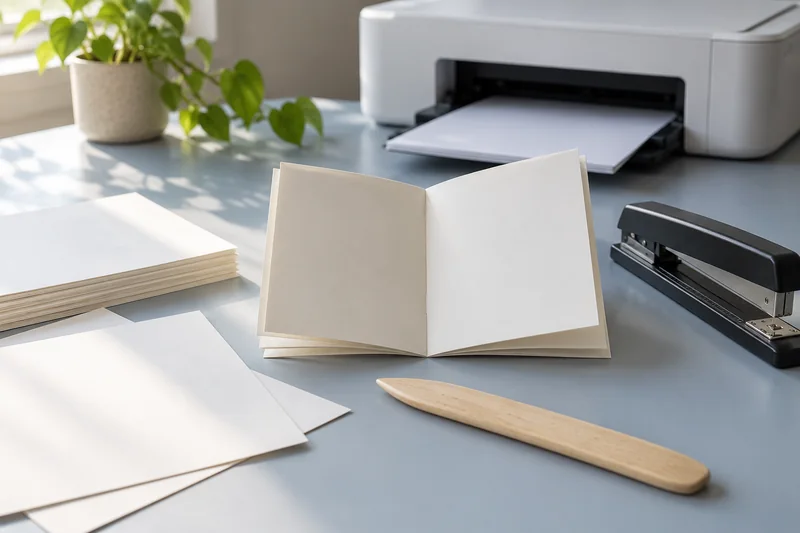
Answer: Check the exact envelope size and model’s loading instructions, then use an appropriate plain-paper layout proof before one supported envelope test.
On this page
Print Use Lab editorial project · Updated October 21, 2026 · Original decision framework and illustrative example. No physical product measurement or hands-on benchmark is claimed.
Why the distinction matters
An envelope workflow combines a document size, address placement and a physical feed orientation. The flap position and short or long leading edge depend on the model and source. Start with an envelope type explicitly permitted by the printer. Window, clasp, padded or adhesive details can introduce restrictions that an ordinary paper-size setting does not capture.

A practical sequence
- Match the envelope product and size to the model’s supported media instructions.
- Create the intended document and verify address placement within the permitted print area.
- Inspect a plain-paper layout proof without treating it as a feed compatibility test.
- Load one supported envelope exactly as documented and inspect the result.
Decision record
| Check | What it means | What to verify |
|---|---|---|
| Document | Envelope dimensions and address area | Correct layout |
| Media | Type, thickness and construction | Supported by model |
| Loading | Flap, face and leading edge | Follow source instructions |
Worked example
A hypothetical address layout is centered on a Letter page while the driver expects a small envelope. The preview may crop or reposition the text. Correcting the source page format is more useful than repeatedly rotating envelopes in the tray.
Verify the result
Save the working template and the documented loading direction. Recheck settings when returning after a long idle period. If the model does not support the envelope construction, use another permitted method instead of a trial feed.
Download the editable CSV worksheet · Print-job workbook
Question and answer
Can a paper proof prove the envelope will feed? No. It checks layout. Envelope construction and feed support require separate model documentation and a supported test.
Sources and scope
- Adobe Acrobat: page sizing for print — Distinguishes scaling modes. Printer margins and supported media remain model-specific.
- Epson: ET-2850 user guide — Use the matching model and regional manual for loading, maintenance and scanning details.
The decision sequence, diagrams, worksheet and worked case are our editorial work. AI assisted research, drafting and implementation. Official references support the named technical distinctions; examples do not establish real product performance.
Continue the task
- The best printer type for occasional use
- Read inkjet and laser labels on specialty paper before loading
- Browse the complete resource library
Build on what you just learned
Your next useful step.
Proof the page, binding edge and reading order.
A filled PDF prints blank fields: check the saved file and print layers
Save and reopen the filled PDF, then inspect the print preview and the viewer’s form/comment options.
Read the guide →Duplex printing: automatic, manual and binding-edge differences
Automatic duplex prints both sides without asking you to reload the sheet. Manual duplex requires a documented reinsertion step. Neither feature tells you whether…
Read the guide →