I would buy a used laser only after seeing representative output, the exact model’s support status and the condition of its consumables and service parts. A low page counter is useful context, not a warranty of future reliability. Include the first likely supply purchase in the deal price.
On this page
Our recommendation
I favour a documented working copy with an affordable supply path over the cheapest untested unit. If the seller cannot demonstrate the required function or identify the consumables, price that uncertainty explicitly or walk away.
Ask for evidence that matches your job
Request an internal configuration page and a computer-generated print, with personal or network details redacted from anything shared publicly. Test duplex, the intended paper path and network connection if those matter. For an all-in-one, test the feeder and flatbed separately.
Check the current official OS support and supply codes. Regional variants can use different consumables. A seller’s “works perfectly” statement should be backed by the actual function you need, especially when the device is too old to test through your intended modern print path.
Count the near-term costs
Look up replacement toner, drum and other documented service parts for the exact model. Ask which parts were changed and whether receipts exist. A counter estimate does not prove that a particular part is new, original or correctly installed.
Compare the delivered price plus required supplies and transport risk with a new or professionally refurbished alternative. Include size, weight, power requirements and working clearance. Avoid dismantling a printer to inspect hot or high-voltage assemblies as a buyer’s test; use owner-accessible checks and a service assessment where appropriate.
A fair total
A hypothetical used printer costs 70 units, needs 45 in toner and may need a 55-unit drum soon. Its near-term total is 170 before shipping or service. Compare that with an alternative including its actual starter supply and support, rather than comparing 70 with the new printer’s full price.
Before you act
- Test your required functions, not only an internal page.
- Verify regional supplies and current OS support.
- Include likely first maintenance and transport costs.
Use the Monthly printing cost estimator to apply the guide to your own setup.
Keep exploring
- Starter toner vs replacement yield: compare printing costs fairly
- Use a printer’s internal page to separate device and computer faults
Sources and research notes
Research checked on 21 October 2026. Product specifications are manufacturer statements; examples and buying judgements are our analysis. No hands-on product test is implied.
Build on what you just learned
Your next useful step.
Compare supplies, volume and rejected pages.
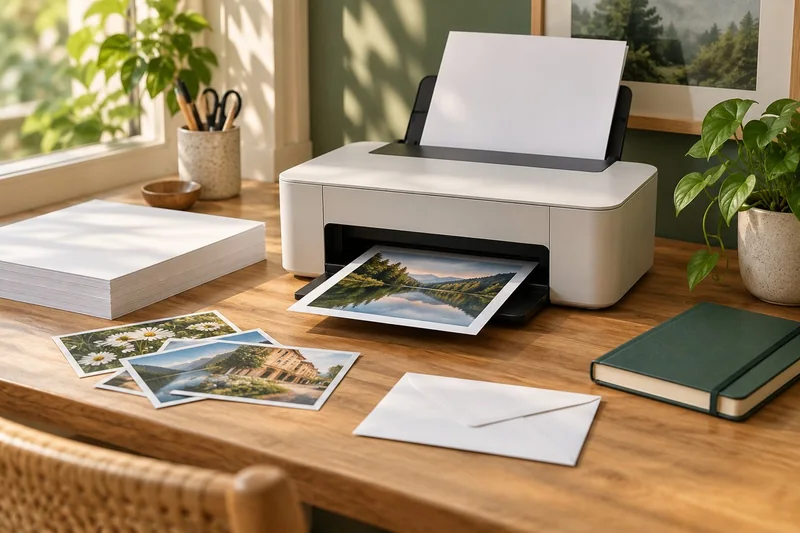
Epson EcoTank ET-2950: a sensible shortlist for regular mixed home printing
I would shortlist the ET-2950 for a household that prints colour documents regularly and wants automatic A4 duplex printing with refillable tanks.
Read the guide →
Cost per page methodology: yields, color and ownership costs
Begin with the supplies price divided by the matching declared yield, then explain the scope. That quotient is a planning baseline, not a promise…
Read the guide →