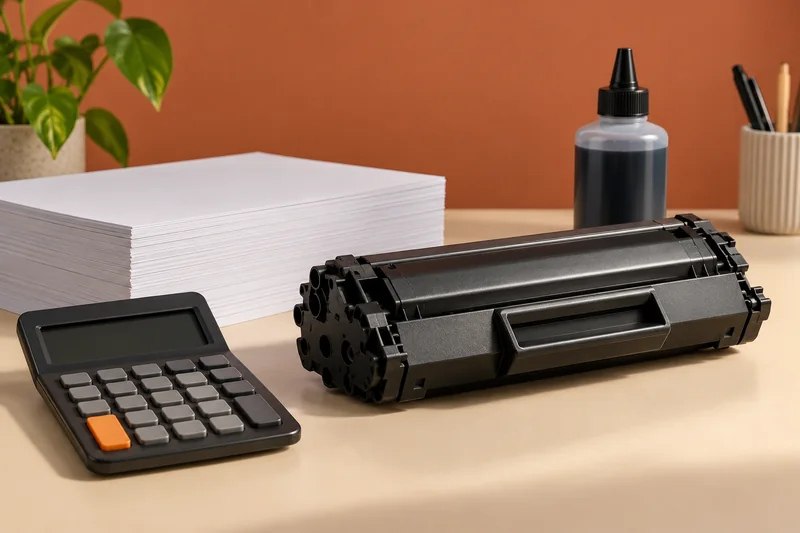
For a printer with supply authentication, I would check the exact model, cartridge electronics and current firmware policy before buying a large third-party stock. A cartridge that worked once is not proof of future compatibility. Do not treat disabling security updates as a general solution to a supply-cost problem.
On this page
Our recommendation
I would choose a printer with acceptable supply conditions before building a long-term cost plan. For an existing device, prioritise a documented, supported route and security maintenance over speculative firmware workarounds.
Separate three different questions
The cartridge must match the physical supply code and region, be accepted by the device’s authentication policy, and produce an acceptable result. These are distinct checks. HP’s dynamic-security information says some models can block non-HP chips or circuitry and that firmware updates can affect cartridges that previously worked.
That manufacturer statement does not prove that every third-party cartridge fails or that every HP model has identical conditions. HP+ requirements are also separate. Read the exact device documentation and the supplier’s written compatibility and return terms.
Budget a controlled trial
If the model permits the intended supply, start with a small purchase and keep the seller’s compatibility evidence. Record the firmware version and exact error if a cartridge is rejected. Do not expose serial numbers or account details in a public troubleshooting photograph.
Compare total accepted output, not only the cartridge sticker price. Include rejected pages and the time cost of an interrupted job. For important deadlines, keep a verified supply route available. A cheap stockpile that cannot be used is not a saving.
A better compatibility question
Ask a seller to confirm the exact cartridge code, printer model, region and firmware conditions, plus what happens if the printer rejects the supply. “Works with HP printers” is not enough. If the seller cannot identify the supported configuration, avoid buying several sets on the strength of a generic listing.
Before you act
- Check physical code, region and authentication separately.
- Get compatibility and return terms for the exact configuration.
- Compare accepted output and interruption cost.
Use the Cost per page calculator to apply the guide to your own setup.
Keep exploring
- Ink and toner compatibility: supply codes, region and yield
- Include rejected pages in the cost of a print job
Sources and research notes
Research checked on 21 October 2026. Product specifications are manufacturer statements; examples and buying judgements are our analysis. No hands-on product test is implied.
Build on what you just learned
Your next useful step.
Compare supplies, volume and rejected pages.
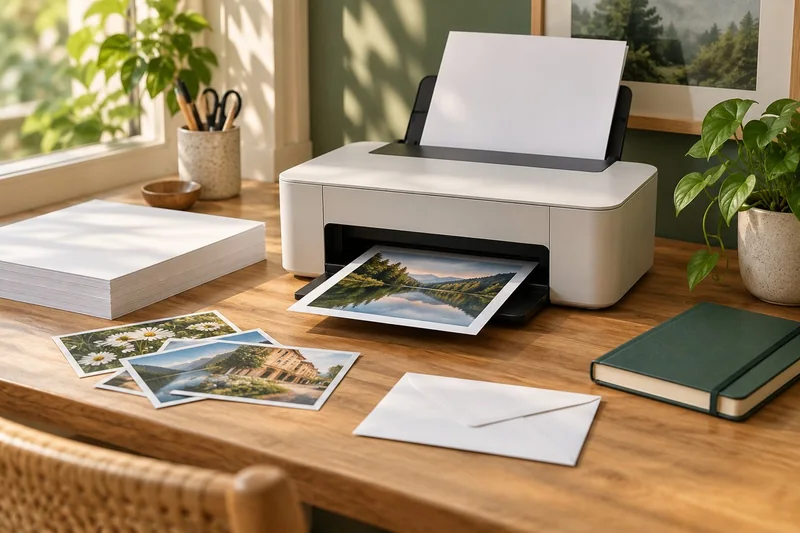
Epson EcoTank ET-2950: a sensible shortlist for regular mixed home printing
I would shortlist the ET-2950 for a household that prints colour documents regularly and wants automatic A4 duplex printing with refillable tanks.
Read the guide →Cost per page methodology: yields, color and ownership costs
Begin with the supplies price divided by the matching declared yield, then explain the scope. That quotient is a planning baseline, not a promise…
Read the guide →